Abstract Floral Design – Coloured

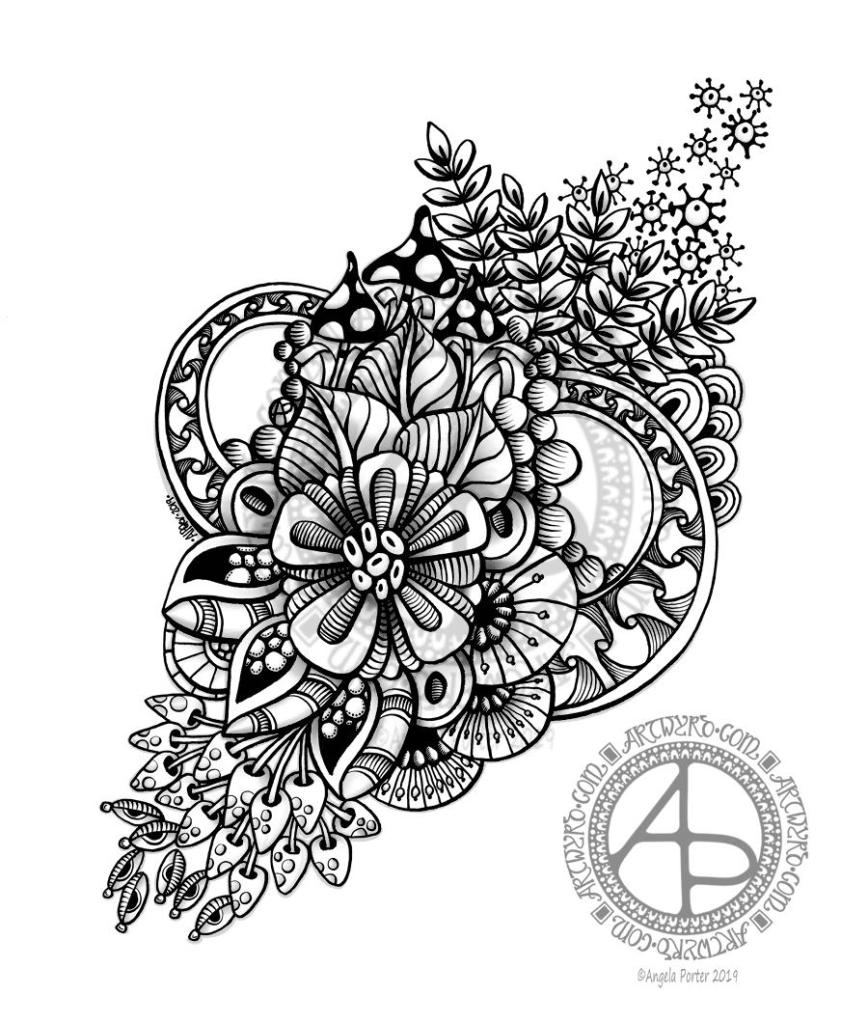
Abstract Floral Design ©Angela Porter 2019 - Artwyrd.com
Abstract Floral Design ©Angela Porter 2019 – Artwyrd.com

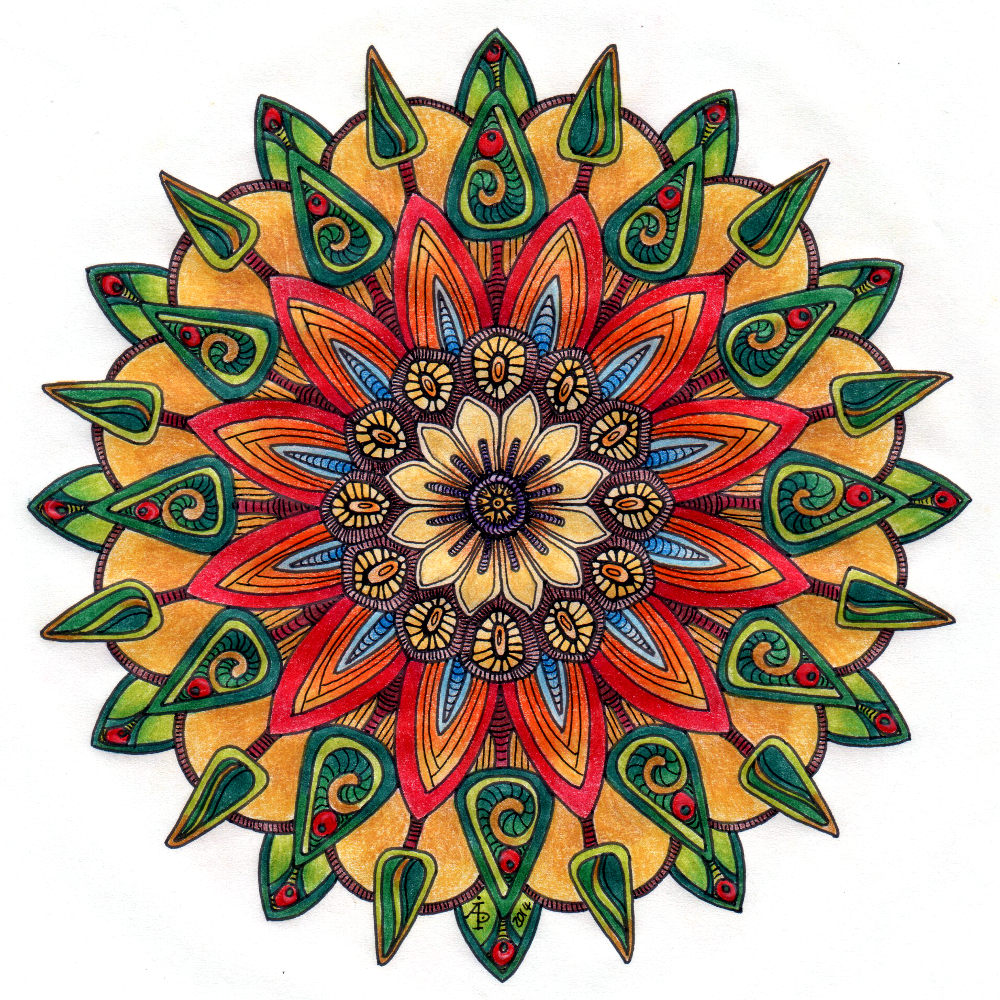
This morning, I thought I’d start my day by colouring in yesterday’s shaded, abstract floral design. And this is the result.

I didn’t remove the shading, but added simple gradient colours above it so that the shading would add to the depth and dimension.

Although this image, thanks to whatever WordPress does to the colour of images when uploaded, doesn’t show this, it actually works really well.

Yes, I know. It’s taken me a couple or three years to get around to working out I can underlay shadows and used colour over the top to add depth and dimension. However, I’ve said it before, I learn tricks at my own pace and when they are relevant to me or when I’m ready to try them out.

I may try this design again, but with more vintage-y colours. Maybe. It’s all learning for me that’s for sure!

The design was drawn with Tombow Fudenosuke and Sakura Pigma Sensei pens. Shading and colour was added digitally using Autodesk Sketchbook Pro, Microsoft Surface Pen and Microsoft Studio.

Abstract Floral Design

Abstract Floral Design 4 May 2019 ©Angela Porter - Artwyrd.com
Abstract Floral Design 4 May 2019 ©Angela Porter – Artwyrd.com

I started drawing this one fairly late last night and completed it just now. The tools I used were a soft Fudenosuke pen by Tombow, a 0.4 Sakura Pigma Sensei pen on white mixed media paper from Claire Fontaine.

I then scanned the drawing into the Surface Studio and used Autodesk Pro and a Surface Pen to clean up the image and then add a few details and some shading to it.

The original drawing is approx. 5″ x 6″ in size.

I’m quite pleased with this one as it’s not my usual ‘lets see how much space we can fill with line and pattern’ kind of drawing. The design has a kind of leaf shape to it in outline, and I’ve let white space exist in the design, which is really unusual for me.

Working in monotone is also unusual for me, but the grey shading certainly adds depth and dimension to the design, brings it to life.

I also have some brushes in Autodesk Sketchbook Pro that I can use to mimic graphite pencil shading, which I did here.

I started with the flower motif in the middle and let the design flow out from that point. Of course my design motifs had to include foliage, seedpods and some abstract/geometrical patterns too. Oh and some fungi/mushrooms too. And orbs/spheres.

I really like my circular arches of a pattern inspired by Early Celtic/La Tene art. The shading really helped to define this pattern.

I’m going to make this one available for purchase from my RedBubble shop.

Still emotionally exhausted…

I slept so much yesterday and last night. I’m still emotionally exhausted after my trip out on Thursday. I’m still finding it hard to believe how much something so simple exhausted me so much in terms of emotion particularly. I didn’t think I was any more anxious than usual, or stressed than usual. Seems I was oblivious to my own body.

I do feel a bit better today, but I could just curl up and sleep again now and I’ve only been awake for 4 hours.

I won’t go to sleep this afternoon though. I’m going to keep myself awake somehow. Maybe with art. Maybe with some books I bought on Thursday. Maybe with crochet. Maybe with all of them, but not at the same time!

Even though I’m exhausted I do feel quite content within myself. However, even though it’s a lovely sunny day, if rather windy, here in Welsh Wales, I don’t think I’ll venture out into the realms of peopledom. It’s another Bank Holiday weekend here in the UK so the world tends to be more people-y than usual. I think that could overwhelm me again and I’m better off just remaining where I feel safe and calm.

The more aware I am of my emotions and my self, the more aware I am of how much CPTSD has affected me, of how it limits my life, and of how much work I still have to do. Mind you, that self awareness is showing me as well the progress I have made and how I make decisions based around self care too. Like today, knowing the world is too people-y and somethings can be left until the world is a little less people-y.

Dangle Design

Angela Porter 20180331_01 coloured small

The quote on this dangle design is rather appropriate at the moment and reflects a number of recent conversations I’ve had with people about art and other things.

I know I have a LOT of practicing to do with my hand lettering; I’m not all that happy with it in this design at all.  Well, the words ‘novice’ and ‘master’ are fine, it’s the other wordage. But the more you practice, the more you do, the better you get.  So, it’s a work in progress with me (something else that the BuJo will help with.)

I drew this with a Sakura Pigma Micron PN pen on paper, scanned it in to my Microsoft Surface Book and then coloured it in Autodesk Sketchbook Pro.

Want to learn how to create your own dangle designs?  My upcoming tutorial book ‘A Dangle A Day’ is available for preorder now!

On a slightly different note, a new colouring template will be available exclusively in the Angela Porter’s Coloring Book Fans facebook group, a lovely, friendly group of people!

Digital art- it’s a learning thing

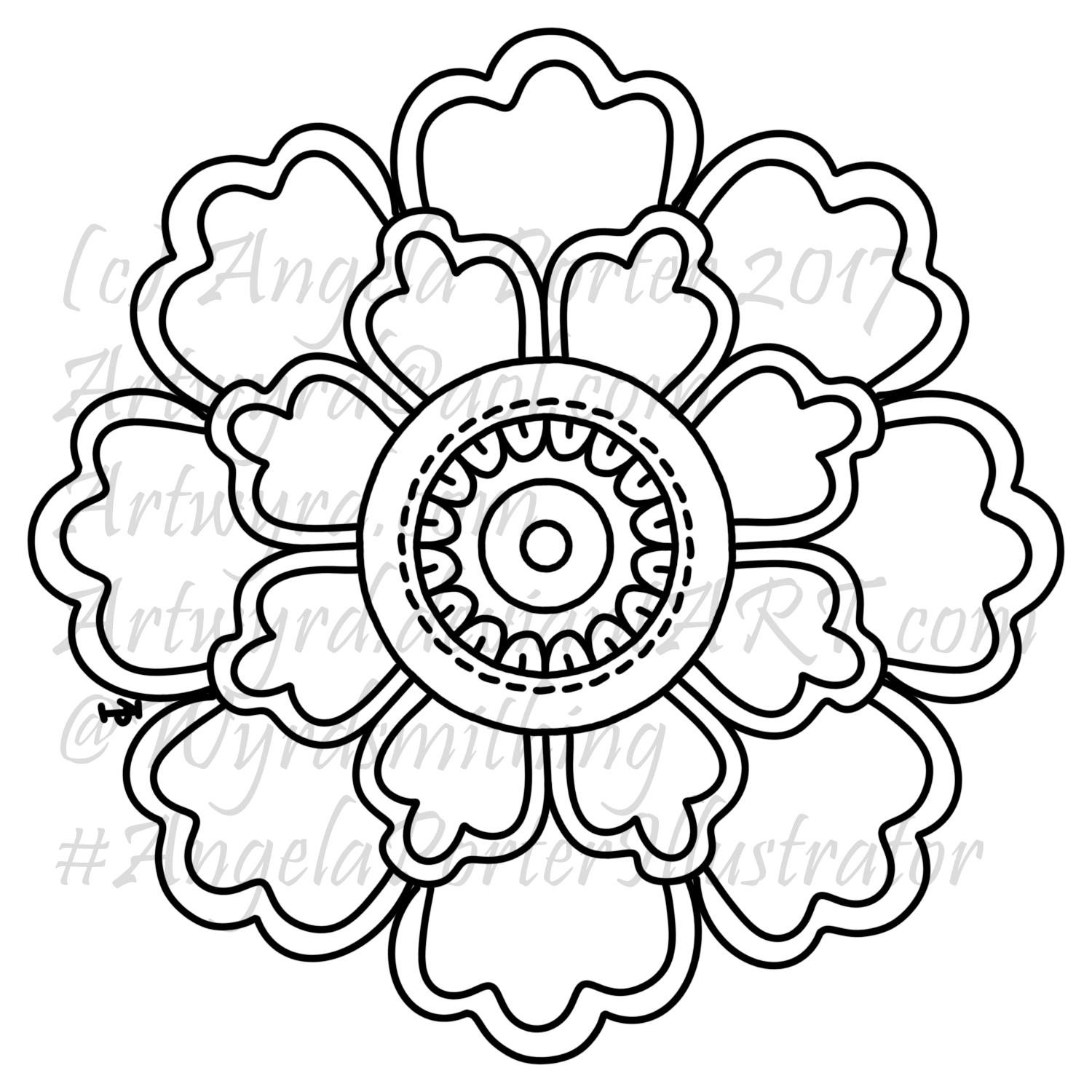
Flower1_AngelaPorter2017

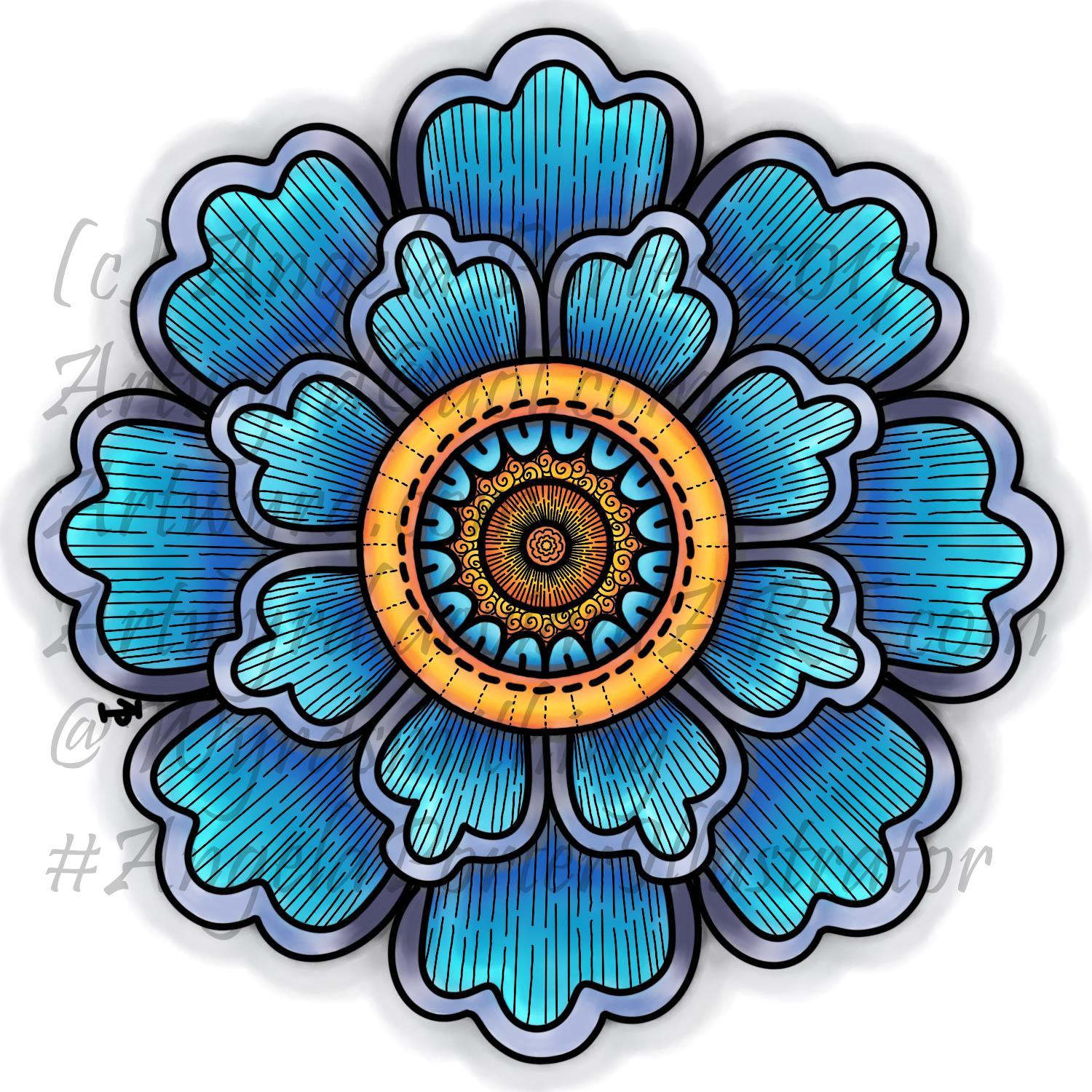
Over quite a few hours I’ve used this design to explore digital colour a bit more.  Of course, it’s one of my own designs.
Flower2_AngelaPorter2017

This is the first coloured version of the template.  I’ve left the black lines in and added some more line patterns for interest.  To colour the flower, I used a couple of pencil ‘brushes’ in Autodesk Sketchbook Pro along with two blender ‘brushes’.  The colours come from the Copic colour palette.

I’m quite happy with this; it’s very much like what I’d do with traditional media.  However, the digital environment means it’s far easier to correct mistakes.

As I’ve said before, you may think that digital colouring/art is faster and easier than traditional media; I have to tell you it’s not! It took me 2 hours or so to colour this simple flower – and that was just colouring one-eighth of the design and letting the symmetry tool copy it around the flower!  With traditional media it would have taken me much less than 1 hour to achieve a similar effect.

I don’t think that the extra time is due to me not being familiar with the ‘brushes’ I’m using, but more to do with the way that you can use layers as well as intensifying the contrast after each blending session.  It is quicker to lay colour down – it doesn’t have to be neat and smooth as the blending tools can help to smooth out the unevenness.
Flower3_AngelaPorter2017

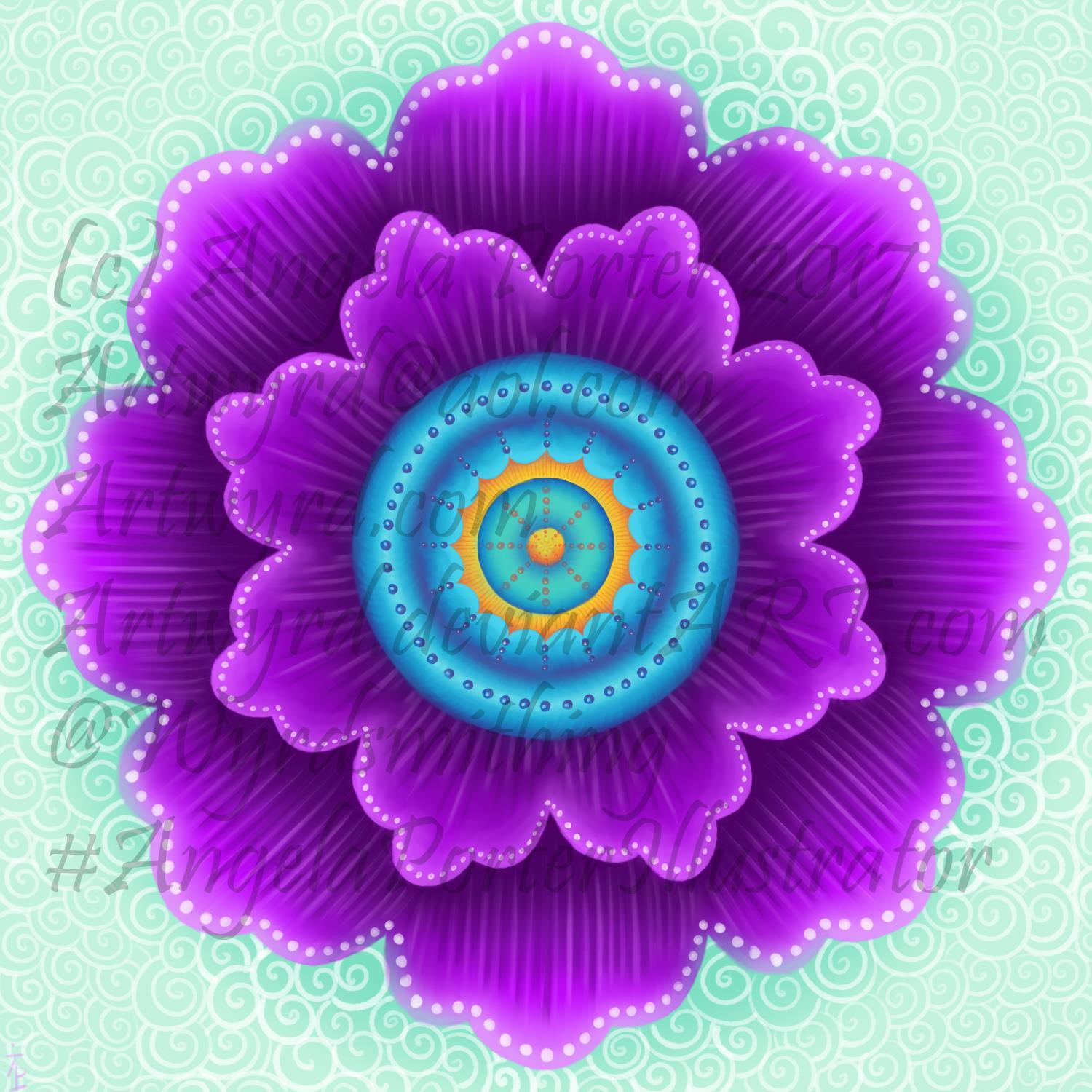
Now, this one really is something quite different from me.  NO black lines.  Not one.  Just colour.

It took me a lot longer to do this one – 3 to 4 hours in total I think, and it’s only a small and simple design!  Part of that time is because this is something very different for me – no black lines…

I also made good use of layers to keep the colours separate so they didn’t blend; one layer for blues/purples and another for the yellows/oranges.  A third was added for the background.

Getting my head around the concept of working in layers after a long time only ever working on one sheet of paper, is a really challenge, but as  I work in this way it becomes more familiar to me.

I’m also a bit ‘stubborn’ in terms of exploring and discovering what works and how to do things my own way rather than reading/watching tutorials.

Like any skill, it takes time to develop some level of competence with it, and a lot longer to achieve a mastery.  The more I do with digital art, especially in Autodesk Sketchbook Pro, the more I like working with it.  I like Sketchbook, lots.  It may not be as complex as Photoshop or Illustrator, but it does what I want it to do without struggling with a complicated interface.  It allows me to draw/create a lot like I would with paper and pen, and then to explore more media than I’d ever use with traditional art media, and media that don’t even exist outside of the digital environment.

The more I work with it, the more I know I will need a Microsoft Surface Studio sooner rather than later; as much as I love my Surface Book, I do find it difficult to understand how things will look 1:1.

I’m in no great rush though, my Surface Book works just fine, and if the worst comes to the worst, I can sketch my ideas out and scan them in and work from that, using layers of course!

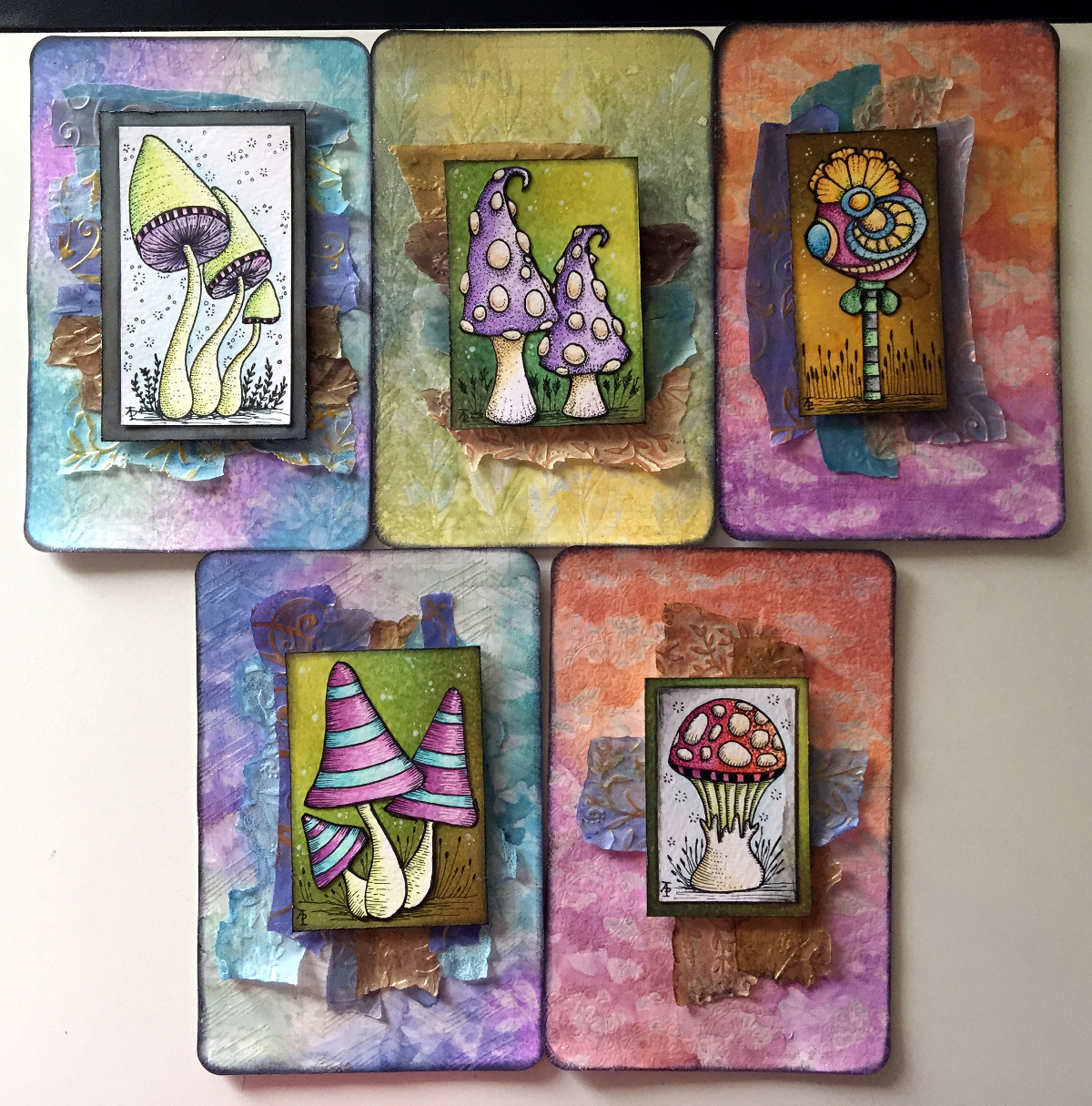
Yesterday’s Mixed Media Index Cards – update

AngelaPorter_1June2017_MixedMediaIndexCard4

I spent some time yesterday and this morning adding some details to drawing on each of the index cards.

I added stippling and lines to add shading on the focal points, both in black and white.

I also added some ground for them so they weren’t floating in air; the grasses or plants in the background I wanted as black silhouettes just so interest/texture/pattern was added.

Finally, I added either white dots or black ‘popping bubbles’ to the ‘sky’ for more visual interest.

I’m now much happier with them and feel that they are complete.

Be Your Beautiful Self – Mixed Media

BeYourBeautifulSelf_30April2017_AngelaPorter

A second mixed media work from me.  Texture paste through stencils, distress inks, diecuts, various papers I’ve coloured, some that have been embossed.  Metallic and iridescent paints.  And gems.