Friday quote

Angela Porter 1 June 2018

I am so lucky being self-employed, doing something that brings me pleasure and never feels like work; it always feels like the weekend for me!

I sketched the words and part of the design on paper, photographed it and opened it in Autodesk Sketchbook, then used my Microsoft Surface Pen on my Microsoft Surface Book to hand-draw the letters and flower wreath.

Yes, it is hand-drawing, even though it’s done in a digital environment. I use my Surface Pen as I would any pen or pencil. I do make use of some of the tools in Autodesk Sketchbook to speed up the drawing – such as the symmetry tool, and the ability to move elements in the hand-lettering around (I’m learning not to be too fussy about size and arrangement in the sketch; that just gives me the general idea of lettering styles and sizes).

All the same, it’s a nice way to start a Friday with a decorated #fridayquote, just to get those #weekendvibes going with #thatfridayfeeling #fridayfeeling.

Thursday Mandala

Angela Porter 31 May 2018.jpg

Saturday Mandala

Angela Porter 28 April 2018

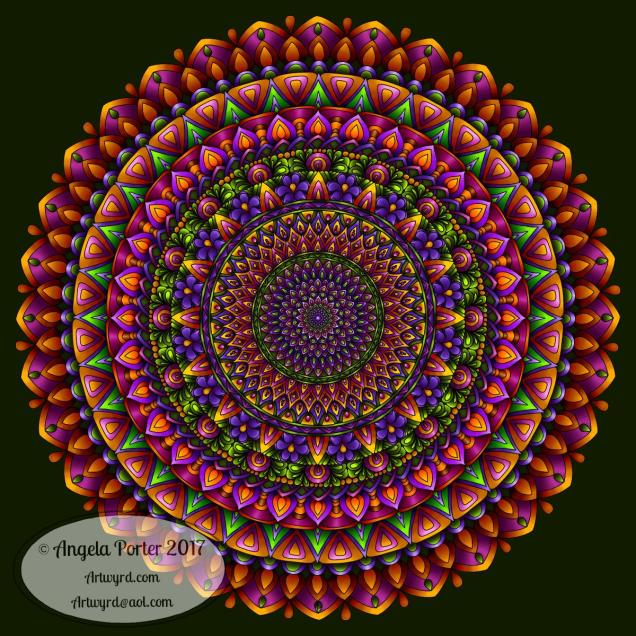
No quote, no lettering, just pure mandala. Drawn using my Microsoft Surface Pen on my Microsoft Surface Book with Autodesk Sketchbook Pro.  The background was created using Rangers Tim Holtz’s Distress Inks on mixed media paper then scanned in.

Just a quick one to start the day.  I have some editing to do for A Dangle A Day (available for preorder) before going out to a Lebanese/Moroccan restaurant called Mezza Luna with my sister. For the first time, she gets to drive!

My car is still poorly; the Mercedes garage seems to be having problems working out what has gone wrong with Smartwo Deetoo.  I hope I get her back soon; if not, I’ll have to hire a car for a day or two for some appointments I have later in the week.

I’ve still not calmed down after the drama of last weekends car breakdown.  I’m all of a dither, my mind all over the place, my digestive system is still upset, and I’m so tired all the time.  How I ever managed to function as a teacher when I felt like this all the time is beyond me, but I did until my precarious mental health crashed in on me.

Over on the Angela Porter’s Coloring Book Fans facebook group it’s #supplysaturday.

Tuesday Tip

Angela Porter 24 April 2018 small watermarked

My #tuesdaytip is to do just this – create every day!

It doesn’t matter for how long – 5 minutes, 10 minutes, an hour, longer.  Just take time to create.

You can create something new.  You can work on practicing, say, your hand lettering. You could re-work or add to something you thought was finished.  You could try a new skill or technique or medium. You could doodle aimlessly.

There’s just so many possibilities, so many ways to be creative – art, crafts, cooking, gardening, wood-turning, sculpting, decorating, sewing, colouring, are just a few of the possibilities.

Just create.  Have fun.  Play. Relax.

Take a break from the worries, stresses and strains of everyday life by focusing on being creative.

I use art to help me find my inner calm and stay there.  My whole body exhales, calms and relaxes when I ‘art’. It’s a daily practice for me that has a similar effect as meditation and mindfulness does. Even if I don’t meditate every day, I ‘art’ every day, just for pleasure (as well as for my work).

When the days are very trying for me, as they have been lately due to a nightmare of a car breakdown and recovery that took 8 hours Saturday night into Sunday morning, I find creating collections of doodles and patterns for my BuJo or hand-writing quotes or words really soothing, especially if they are familiar to me.  That’s what I needed at that time, something I could do automatically, that didn’t cause more stress for me.  The rhythm and flow soothed. Just the process of repeating the drawings and drawing of letters involved practice and improvement of my favourite motifs, patterns, words; and when calm, I could move on to create something new.

Being creative isn’t just about making great works of art or craft, or any thing else.  It’s also about feeding your heart, your soul, your being and finding calm and joy in what you do.


Dangleday

dangledayfriday angela porter 13 April 2019Friday means it’s #dangleday!

I thought I’d created a little dangle for this particular hashtag.

#createdonsurface #autodesksketchbook #microsoftsurface

A Dangle A Day, my upcoming book, is available for pre-order now.  In the book, I will take you, step by step, through drawing dangles, along with lots of charm and dangle designs you can use to create your own, just like this one!

If you’re already drawing dangles, I’d love to see what you create!

Sunday funday

experiment 8april 2018 angela porter It’s Sunday, so that means it must be #fundaySunday #Sundayfunday.

This was my bit of fun for the day.  I created a background using Distress Inks, a mini-blending tool and a stencil.

After scanning it into my Microsoft Surface Book, I imported it into AutodeskSketchbook Pro and started to draw entangled patterns on the top of it.

It was just an experiment to see how it worked out, including the use of colour gradient fills for the entangled patterns.

I think it worked out ok.  I think there’s some more things I’d like to try out using this method; scanning backgrounds and then working on them digitally opens a new world of possibilities for me, as well as keeping me playing with more traditional media.  I do love the mix of the old with the new.

Of course, drawing on my Surface with the Surface pen is a lot like drawing with pen and ink on paper but with more possibilities…

Dangle Design

Angela Porter 20180331_01 coloured small

The quote on this dangle design is rather appropriate at the moment and reflects a number of recent conversations I’ve had with people about art and other things.

I know I have a LOT of practicing to do with my hand lettering; I’m not all that happy with it in this design at all.  Well, the words ‘novice’ and ‘master’ are fine, it’s the other wordage. But the more you practice, the more you do, the better you get.  So, it’s a work in progress with me (something else that the BuJo will help with.)

I drew this with a Sakura Pigma Micron PN pen on paper, scanned it in to my Microsoft Surface Book and then coloured it in Autodesk Sketchbook Pro.

Want to learn how to create your own dangle designs?  My upcoming tutorial book ‘A Dangle A Day’ is available for preorder now!

On a slightly different note, a new colouring template will be available exclusively in the Angela Porter’s Coloring Book Fans facebook group, a lovely, friendly group of people!

Repeating patterns, my first experiment

Pattern 18 coloured v01 watermarked

Over the past few weeks, I’ve been thinking about and looking at how to make repeating patterns.

I’ve tried the old fashioned way of working on paper and cutting the paper and so on, and not found the results at all satisfactory.

I’ve had a bit of a go in Adobe Illustrator, but I find Illustrator so confusing and frustrating to use.  There seems to be a total disconnect between my brain and the software architecture of Illustrator, and other similar pieces of software.

A day or two ago I found a little app in the Microsoft Store called Amaziograph that lets me create repeating patterns in sheet form, which is great if I want a sheet of black and white repeating, entangled line art, but not what I want if I want a coloured repeating pattern.  Oh, the app is a lot of fun to mess around with for sure and no doubt I will use it to generate patterns.

Looking around at software today, a lot of it either works in Illustrator or is prohibitively expensive given that I just want to have a play, see what I can come up with and see if it’s something that I’d like to spend more time with.  Where they offer free trials, I know they’re not going to be a long enough trial for me to get to grips with Illustrator and the software/plugins, so I’d not be able to make my mind up.

So, on a wander around the corners of Google, I found a lovely little program called Repper. It had an online trial version that I could play with quite happily, and I decided to purchase it afterwards.

In Repper, you open your own artwork and use parts of it to create repeating patterns.  The pattern above is an example of that, kind of.

What I did was to take one of my coloured mandala patterns and use that to create a pattern that was pleasing to me.  Actually, I had many, many patterns that were pleasing to me, and I saved them as tiles that would form a repeating pattern.  With some, I saved them as a surface pattern, where the tiles were already repeated.

What is nice is that the program lets me set both the size and quality of the tile or surface image.

Next, I put the  tile I particularly liked into GiMP (GNU image Manipulation Program, open source software) to copy the black lines and create a new, uncoloured tile with a transparent background.

Autodesk Sketchbook Pro was my next destination so that I could colour the tile as I liked.  Not so easy where the edges of the tiles will meet  and to have no edges showing up.

The tile is partly finished in terms of colour, but I wanted to see how it would look tiled.  Go, back to GiMP I went and the above was the result!

My head now hurts a little after this, which means I need more tea, LOTS more tea and a bit of a break.

I absolutely love that I can take my artwork and use it to create more interesting designs and patterns with.  It’s absolutely fascinating, very easy to get lost in it all.

Definitely a very nice way to spend a few hours on a chilly and very rainy afternoon!  My Surface Book and Surface Pen have had a good workout in the process too!

Hello 2018!

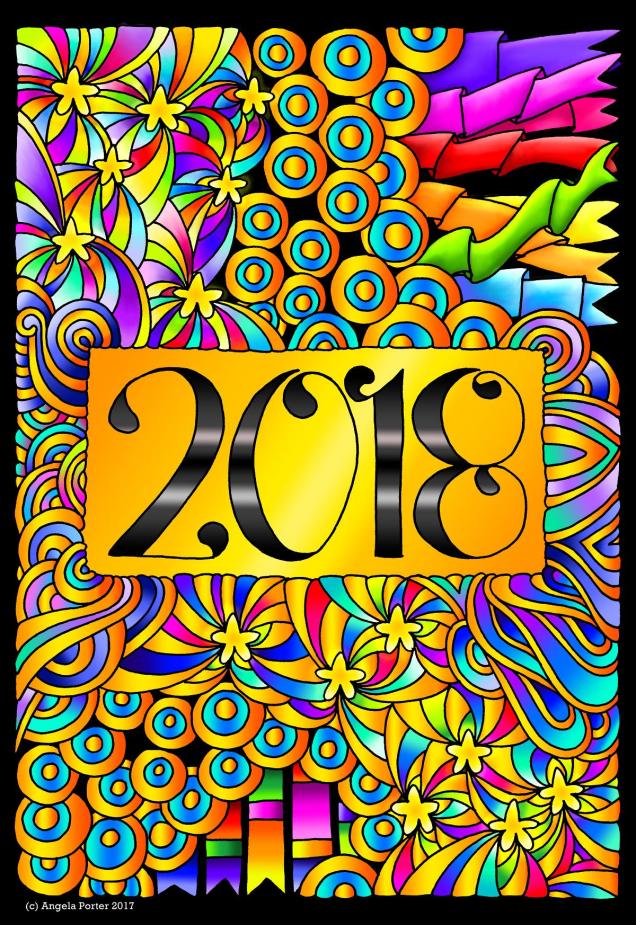
New Year 2018 by Angela Porter

Happy New Year to each and everyone.  May all our years be filled with love, peace, joy, laughter, and an abundance of good things and times.  And colour.  Lots of colour.  And beauty, lots of beauty to create.

Mandala for 30th December 2017

Mandala 30 Dec 2017 by Angela Porter

#createdonsurface #autodesksketchbook