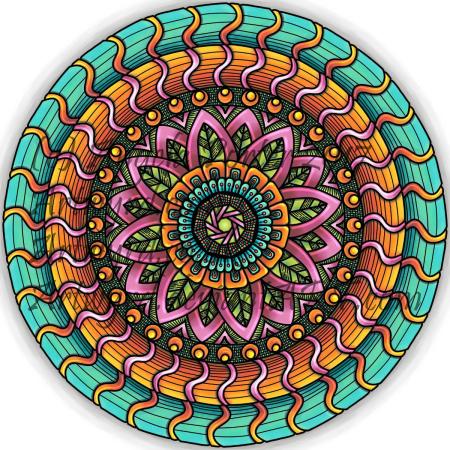
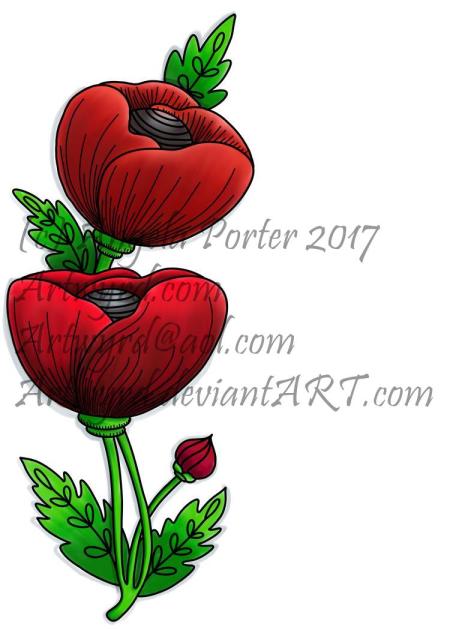
Happy Coloring Day 2017!

Angela Porter National Colouring Day 2018 colouredSmall

Have a wonderful day, and find even a few minutes to colour, relax, unwind and calm!

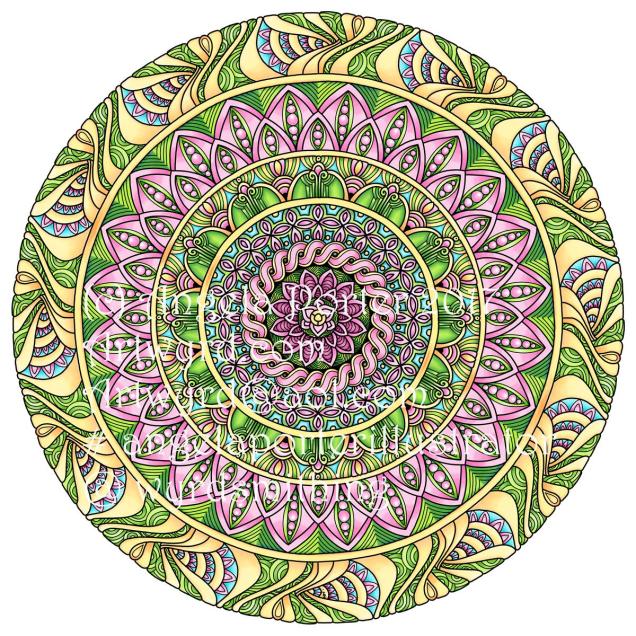
Here’s my finished version of my Coloring Day Template 2017.  I’ve enjoyed colouring it, muchly, but now need to turn my attention back to drawing eerie lineart for Dover Publications.

Oh, I coloured it using my Microsoft Surface Pen and Microsoft Surface Book in Autodesk Sketchbook Pro.  It took around 15 hours or so to complete, I think; I lost time while doing it!

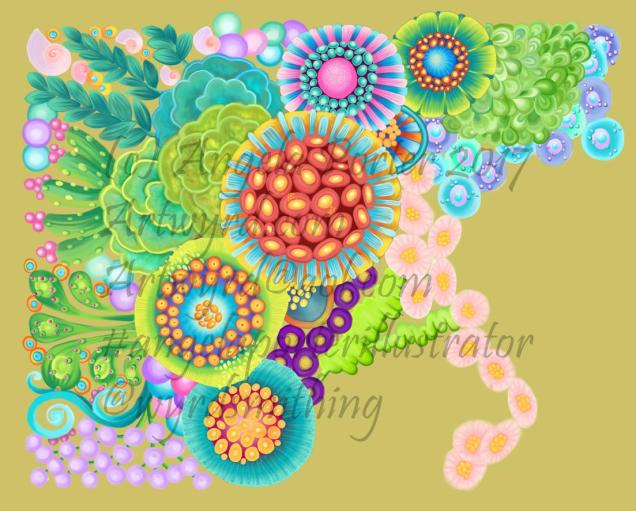
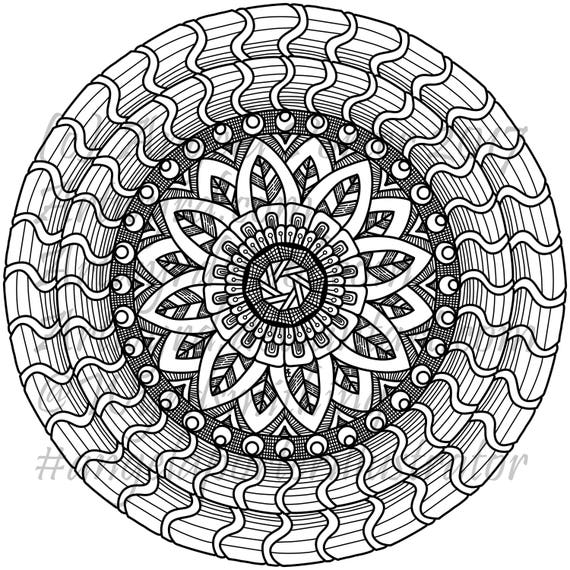
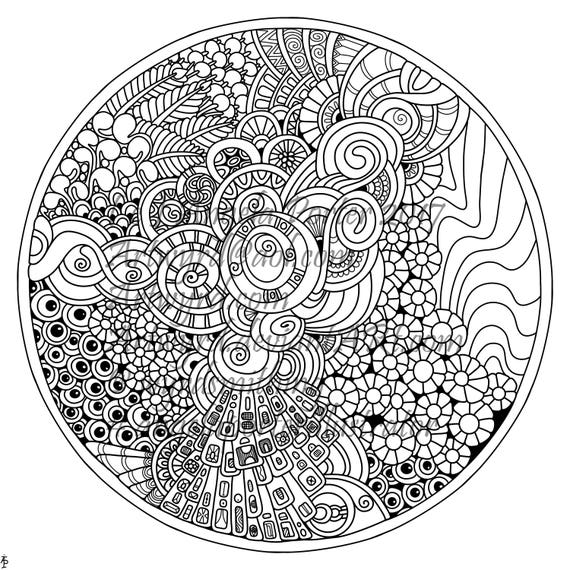
Doodles and zentangles…not digital!

29July2017_AngelaPorter_Minis

That’s right!  Not digital, but drawn using Pitt Artist Pens from Faber-Castell.

Something inside me told me I needed a break from playing around with digital art, and that my pen wielding skills needed a bit of a dusting off.

If anything, drawing digitally has resulted in me being a bit more confident and fluid with my pen strokes.  I also realised that it’s a lot easier for me to work out designs on paper (though I’m not happy with all of the drawings above – a bit out of practice, maybe).

I’m  my latest drawings for the Dover Publications project, I have been drawing out the bare bones of a sketch on paper, scanning in and then working on it digitally.  That has helped me with size and layout of the design for sure.

This makes me hanker after a Surface Studio even more, as I’d be able to work on a digital image at a 1:1 scale for A4 drawings at the very least.

It’s not easy for me, it seems, to get my brain around the the fluidity of scale of drawing digitally as compared to the fixed scale on paper.

All the same, I really enjoyed wielding a pen with creativity on paper rather than screen.  It has it’s own pleasures, and challenges, including having to work with the mark you make when you put ink directly on paper; there’s no easy ‘erase button’ to be used!  So, it’s more about going with the flow and the creative opportunities that the permanency of ink results in (creative opportunities being the positive way to view ‘mistakes’; as I was once told, there’s no mistakes in art, only happy accidents!).

Oh, the boxes on the images.  Well, I do intend to scan these in individually and create files for printing out, the boxes being there where a greeting or message or quote can be placed.

Also, each drawing is approx. 4″ x 4″ (10cm x 10cm)

Mandala, 27 July 2017

Angela Porter 17 July 2017 coloured

Inbetween working on a colouring book for Dover, I get to play with mandalas from time to time.  This is today’s coloured mandala.

Autodesk Sketchbook Pro, Microsoft Surface Book, Microsoft Surface Pen.

By the sea – update

22coloured

I’ve spent quite a bit of time on this over the past couple of days, and it’s coming along for sure.

The background colour isn’t the final one; I’ve yet to work out what colour/s would work out well, but just testing out a sandy kind of colour.

Autodesk Sketchbook Pro

Microsoft Surface Book

Microsoft Surface Pen

Rainbow Mandala – another

Rainbow Mandala01-Angela Porter

Late last night I spent some time playing with mandalas where the background is completely black and the design is in colour.  I came up with a few where the design was the same, but the colours were different.

This morning, I felt I wanted to try a bigger, more complex mandala, and this is what resulted.

I love the way the colours seem to glow against the black, there’s something almost magical about it.

Of course, I now want to play with different colour combinations, particularly complementary colours.

It’s fun!

Etsy Listings for Colouring Pages


In the last day, I’ve uploaded three more colouring sheets to my Etsy shop – Artwyrd.

For each, there’s either a fully coloured, or partly coloured, version of the line art to see.  Yes, I’ve been using them to practice colouring in digitally.

I’ve also started work today on a new book for Dover, the theme for it being eerie.

Dragonfly Mandala – available on Etsy

AngelaPorter_DragonflyMandala_29June2017

I’ve started getting my head together around colouring templates for sale on my Etsy shop, Artwyrd, and this is my first design – Dragonfly Mandala.

It’s offered as a high resolution pdf file for instant download.

As always, I love to see how people colour my designs in, and hope that people will share their finished works with me via social media!


Digital art- it’s a learning thing

Flower1_AngelaPorter2017

Over quite a few hours I’ve used this design to explore digital colour a bit more.  Of course, it’s one of my own designs.
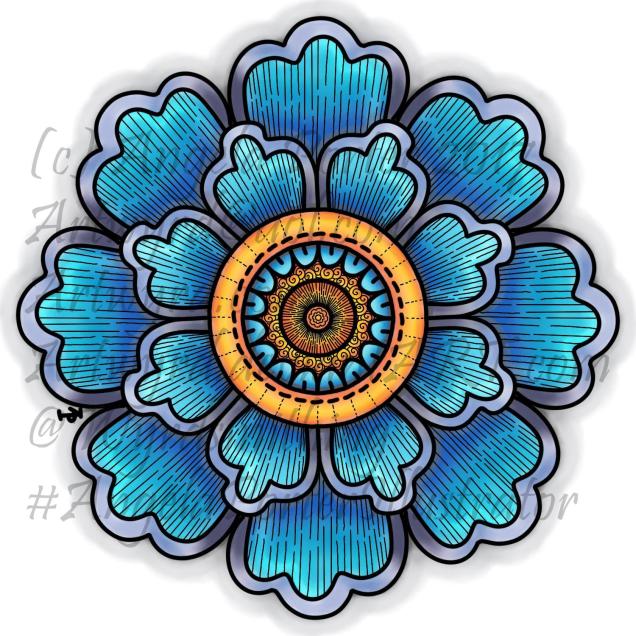
Flower2_AngelaPorter2017

This is the first coloured version of the template.  I’ve left the black lines in and added some more line patterns for interest.  To colour the flower, I used a couple of pencil ‘brushes’ in Autodesk Sketchbook Pro along with two blender ‘brushes’.  The colours come from the Copic colour palette.

I’m quite happy with this; it’s very much like what I’d do with traditional media.  However, the digital environment means it’s far easier to correct mistakes.

As I’ve said before, you may think that digital colouring/art is faster and easier than traditional media; I have to tell you it’s not! It took me 2 hours or so to colour this simple flower – and that was just colouring one-eighth of the design and letting the symmetry tool copy it around the flower!  With traditional media it would have taken me much less than 1 hour to achieve a similar effect.

I don’t think that the extra time is due to me not being familiar with the ‘brushes’ I’m using, but more to do with the way that you can use layers as well as intensifying the contrast after each blending session.  It is quicker to lay colour down – it doesn’t have to be neat and smooth as the blending tools can help to smooth out the unevenness.

Flower3_AngelaPorter2017

Now, this one really is something quite different from me.  NO black lines.  Not one.  Just colour.

It took me a lot longer to do this one – 3 to 4 hours in total I think, and it’s only a small and simple design!  Part of that time is because this is something very different for me – no black lines…

I also made good use of layers to keep the colours separate so they didn’t blend; one layer for blues/purples and another for the yellows/oranges.  A third was added for the background.

Getting my head around the concept of working in layers after a long time only ever working on one sheet of paper, is a really challenge, but as  I work in this way it becomes more familiar to me.

I’m also a bit ‘stubborn’ in terms of exploring and discovering what works and how to do things my own way rather than reading/watching tutorials.

Like any skill, it takes time to develop some level of competence with it, and a lot longer to achieve a mastery.  The more I do with digital art, especially in Autodesk Sketchbook Pro, the more I like working with it.  I like Sketchbook, lots.  It may not be as complex as Photoshop or Illustrator, but it does what I want it to do without struggling with a complicated interface.  It allows me to draw/create a lot like I would with paper and pen, and then to explore more media than I’d ever use with traditional art media, and media that don’t even exist outside of the digital environment.

The more I work with it, the more I know I will need a Microsoft Surface Studio sooner rather than later; as much as I love my Surface Book, I do find it difficult to understand how things will look 1:1.

I’m in no great rush though, my Surface Book works just fine, and if the worst comes to the worst, I can sketch my ideas out and scan them in and work from that, using layers of course!

Digital art musings


AngelaPorter_ColouredMandala2_26June2017

As you know, I’ve been spending quite a lot of time developing a good relationship with both my Microsoft Surface Book and Autodesk Sketchbook Pro.

I’m fairly happy with drawing on the surface, though I’ve yet to get the texture of the ‘pen’ I use to be a little less perfect and a bit more ‘human’.  There’s also the issue of not quite getting how big patterns will be when printed out, and then finding out that a powerful magnifying glass along with microscopically fine pointed pens/pencils will be needed to colour the patterns if not done digitally.

Now, I have mostly been printing my designs out and then colouring them with traditional media; particularly my Chameleon Color Tones and Color Tops marker pens.  I do love doing this – it’s a very sensory experience.

However, I am aware I have a different tool for colouring viz. Sketchbook Pro and it’s suite of brushes and textures and so on.

Believe it or not, it takes me longer to colour an image in digitally than it does with traditional media, and I mean a LOT longer.

AngelaPorter_ColouredMandala1_26June2017

I love the way the colours are clean, almost glowing, when I use the marker pen ‘brush’ or one of the watercolour brushes.  I’m getting to grips with which particular kind of blending or smudging ‘brush’ I like to use.  I’m starting to get the idea of working with layers.

What is vexing me, is how ‘perfect’ the finish is, and how simple it looks.  I wonder if it is way too simple a finish.  It also frustrates me that I’m kind of trying to replicate the effects of traditional media but with digital tools, and failing as everything either works out almost perfectly blended with bright, clear colours, or ends up as a bit of a mess as I try to use different brushes or textures.

5x7Flower3 coloured 1.1

A dear friend of mine pointed out to me that I’m trying to compare apples and oranges, that perhaps I should treat digital colouring as an art medium all of it’s own instead of trying to make it like traditional media.

It was also pointed out that I do have a tendency to give myself a hard time when things seem too easy to me, or end up too perfect.

All of the images in this post have been coloured digitally, and the colours have shading/gradation in colours, but there’s no texture in them.  But then, there’s little texture in the colouring when I use marker pens, such as my Chameleons or Copics, unless I deliberately add it, which I’m always disappointed with.  I much prefer to add texture with black lines, which I need to bear in mind now as I work with digital colour.

I also recognise that I need to do a bit more to make more ‘contrast’ between the paler and darker shades of colours, as well as making sure there’s good deep shadows to add that illusion of 3D to the drawings.

I will continue to experiment and explore the other digital media and brushes, as well as special effects, and in time I may work out how it can all work for me in a way that I’m happy with.

Artwyrd at Etsy

Last night I bit the marker pen and uploaded two sets of small greetings cards to my Etsy shop, Artwyrd.

Each set has ten cards featuring a coloured flower/mandala design stored in a small, custom made box along with matching envelopes.

The flower/mandala designs I drew myself in Autodesk Sketchbook Pro on my Microsoft Surface book.  I printed out multiple copies of the designs and then used my Chameleon Markers and Copic Markers to colour them.  Distress Ink was used to add colour around the designs.

The next step was to create colour mats for the designs; I used my marker pens to colour some Centaura Pearl card.

Before mounting them on the 3″ x 3″ (7.5cm x 7.5cm) card blanks, I embellished the designs with dots of metallic and pearlescent acrylic paint, as well as adding coloured gems.

Of course the cards sparkle!

The boxes are made from cardstock with the lids decorated with designer series paper; the colour ways chosen are complementary to the colours of the cards. I also used Distress Inks to distress the edges and corners of the boxes.   I’ve yet to embellish the boxes.

These are my fifth and sixth attempts at making the boxes.  I had to purchasing a new paper cutter that’s more accurate than the one I had been using.  I had used a template for a box that would take ten 3″ x 3″ cards, but wasn’t big enough for the envelopes.  So, I also had to work out and adjust the measurements needed for the base and lid so that the envelopes would fit in the box!  Frustrating, especially as maths isn’t my strong point …but I got there in the end.

I do have a couple of jobs to do to the cards/boxes; the boxes need some embellishment, and I need to add makers labels to them too.

The boxes will be nice for other things once the cards are used up – the lids are a snug fit.

All of the designs I have stored and may, in the fullness of time, put them together as a pack of digi-stamps so people can use them to create their own cards!