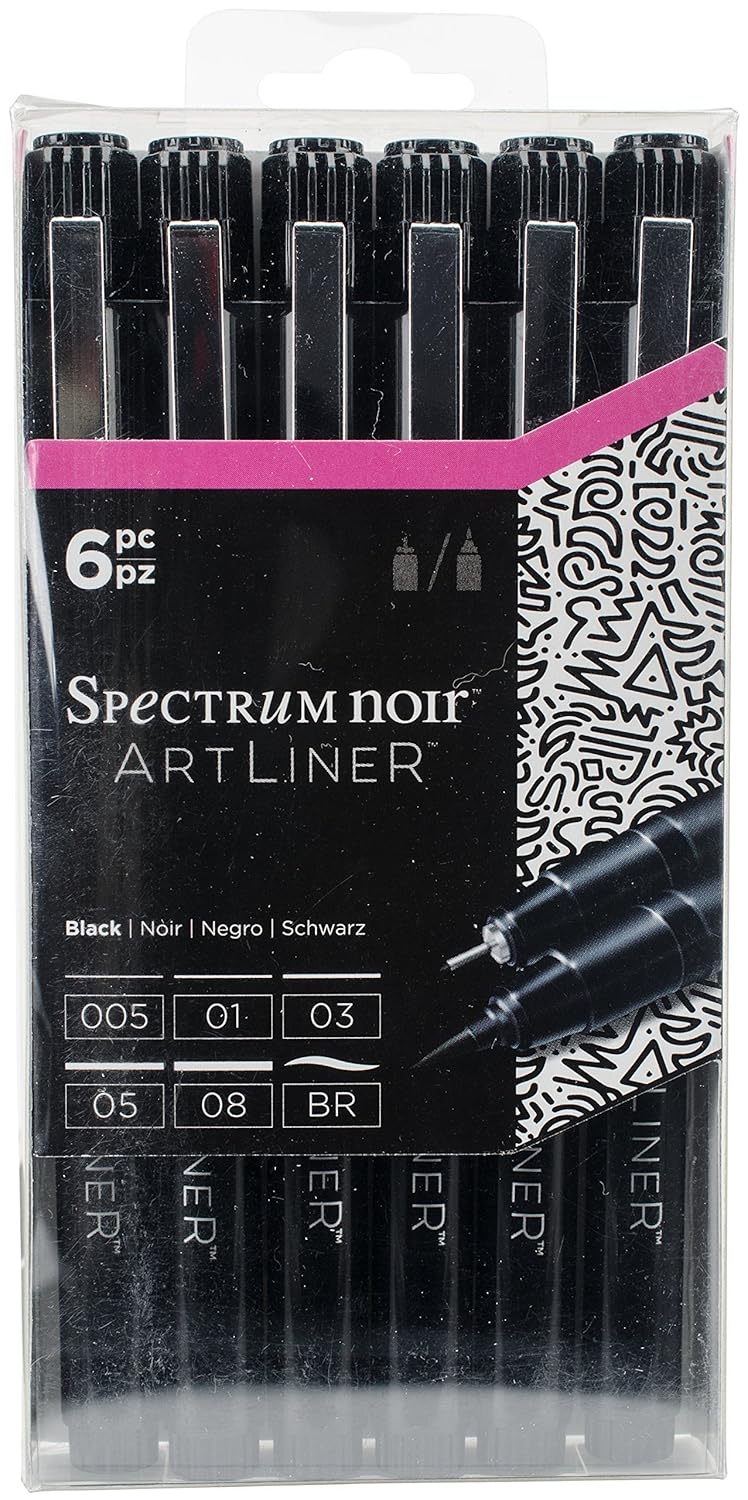
Spectrum Noir Artline Pens – a review

“These quality fine line pens are perfect for sketching, outlining and colouring fine detail.  Various line widths and colours.  Quality micro-pigment inks.  Light-fast and Water-proof.  Quick drying and smudge-proof.”

That’s what it said on the back of the pack of these pens.

After reading that information and watching a video on YouTube reviewing the pens, I thought ‘marvellous – I’ll give them a go’.

So, I ordered a set on Amazon and they arrived yesterday.

I was particularly interested in their waterproof and  quick drying smudge-proof claims. I tend to use a lot of water-based media in my work, my Sakura Pigma Microns and Uniball UniPin pens work perfectly adequately.

Naturally, I wanted to test them out.  In the back of my bullet journal (BuJo) I have pages set aside for testing media.  So, I drew some lines from each pen, and a pattern with the brush pen.  The pens wrote smoothly, though the nibs feel rather soft and I don’t know how they’ll hold up with  using them with my not very light hand.  Time will tell on that one.

The ArtLiner pens didn’t bleed through the Leuchtturm paper, though there was some ghosting, which happens with many pens.

The brush pen was not pleasant to use, but that’s down to personal preference.  I write/draw with quite a firm pressure, and this pen just doesn’t suit me at all.

However, I did manage to smudge the lines because the lines remained wet for quite a while.  I was disappointed with that.  Maybe these pens were a bit too ‘juicy’ to dry quickly, or maybe it was the smooth nature of the Leuchtturm paper that resulted in them taking a little longer to dry.

To test this out, I drew a design on some Canson Mixed Media Imagine paper using the 05 and 03 Spectrum Noir Artliner pens. Here’s a photo of part of the drawing.

cof

First thing I noticed was that the ink took a while to dry on this paper too, and though you can’t see it on this image, I did manage to smudge the ink on some of the leaves at the top.

I left the drawing to dry for a goodly amount of time (my cat, Cuffs, needed a long cuddle before he settled back down for big sleeps) and came back to colour it.

I started off using Faber-Castell’s Pitt Artist Pens, which I used to colour the top part of the image.  I noticed that the colours looked a bit duller than usual.  That signalled some warning bells in my mind.

I switched to Zig Clean Colour Real Brush pens with a Tombow Dual Brush blender pen.  I definitely noticed the black ink spreading.  You can see that in the rows of leaves dangling down, especially those on the right side.

I left this drawing overnight and went back to it not long ago.  I added just clean water to the bottom leaf on the right.  You can see how much the ink bled and smudged.

Not happy. But I wondered if it was the paper.  So I went back to the test I did in the back of my BuJo, and you can see here the results of that.

cof

The Tombow blender pen, Zig Art and Graphic Twin pens, Zig Clean Colour Real Brush and Pitt Artist pens all caused the ink from the ArtLiners to bleed.  All of these are water-based media.

So, from my little tests, these are not what they claim.  Maybe I had a dodgy set, but for all the pens to behave in a similar way?

I won’t be buying them again. I’ll stick to my trusty Sakura Pigma Micron or Uniball Unipin pens, and they are pens I would recommend to anyone.

Just to emphasise, I don’t have any connection with Spectrum Noir, I bought the product myself, and I just wanted to share my thoughts with you on these.

Mixed media 25 Feb 2018

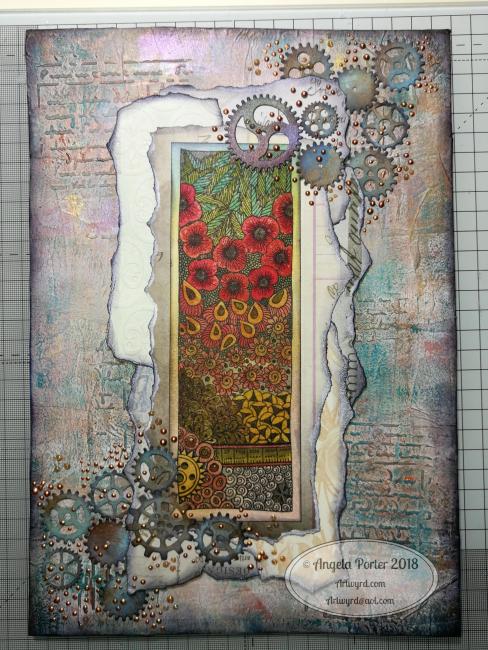
Angela Porter mixed media 25Feb2018

I’ve been hard at work on my ‘A Dangle A Day’ book and felt I needed a break from the computer screen.  As much as I love working digitally, I believe it does the soul good to work in different ways from time to time.  A change is as good as a rest, it is said, and also a change can get the creative juices flowing!

A trip to Hobbycraft in Newport, Gwent, yesterday had me buying some A4 Daler-Rowney Mixed Media boards.

These are 1.4mm thick and sturdy board forms of their mixed media paper.  The board did warp when I added tissue paper with matt medium, and it’s still a little wobbly today.

The pictures shows how far I’ve got for now.  I’m letting the little drops of copper and golden glitter dry as I take a break from it to decide if I need to do any more to it.

The image I drew and then coloured using Distress Inks.

I’ve enjoyed getting a little inky, painty and messy for a change.

Doodleworlds 18 Feb 2018

AngelaPorter_Doodleworlds_Coloured_02

I’ve just finished colouring in this template from my book “Doodleworlds”.  I drew the template using pen and ink on paper, scanned it in for the book, but I chose to colour the template digitally using Autodesk Sketchbook Pro, my Microsoft Surface Book and Microsoft Surface Pen.

Doodleworlds is available on Amazon and in my Etsy shop – Artwyrd.

Brayered backgrounds with Distress Oxide Inks

Angela Porter Brayered Backgrounds 17Feb2018

The image shows some of the backgrounds I’ve made using a Speedball Brayer, a Gelli Arts Gelli Plate, white card and Tim Holtz’s Distress Oxide Inks.

I’ve been taking a little break from the work for the A Dangle a Day book, a change freshens up the creative part of my mind.

The process is quite simple.

  1. Press the oxide ink down onto the Gelli plate.
  2. Use the brayer to spread the ink over the Gelli plate. The Gelli plate acts as a blending mat.
  3. Use the brayer to add ink to the white card.  I find it helpful to have just printer paper under the card and to move the brayer from the paper onto the card.
  4. Build up layers of inks until you’re happy with the look.  Using one colour of ink you can quite easily build up an ombre background.
  5. Spray or dot water onto the paper and let the inks ‘oxidise’ if you wish.

I clean the brayer off on the copy paper between inks.  I also use the copy paper to lift off any residual ink from the Gelli plate between different ink colours.  Sometimes, I dab the Gelli plate with a baby wipe and then use copy paper to clean the plate, especially if the residual ink and the new ink will make a nasty brown sludgy colour.  In this instance, I wipe the brayer with a baby wipe and then clean and dry it on copy paper too.

Sometimes, the copy paper becomes a beautiful background paper too, so I store those away for future use, sometimes.

I’m going to scan some of these backgrounds in to use as backgrounds to my digital art, but then I’m going to draw on them.  I’m using quite a few in my Sketchbook Project sketchbook for 2018.

Today’s clutch of repeated patterns.

Having more fun in between more ‘serious’ work, not that any of my arty times are ‘serious’, they’re all fun!  I’m so lucky to make a business out of  something that is always pure contentment to do – create art.

#createdonsurface

#autodesksketchbook

Repeating pattern

Tile11 onelayer Angela Porter small and watermarked

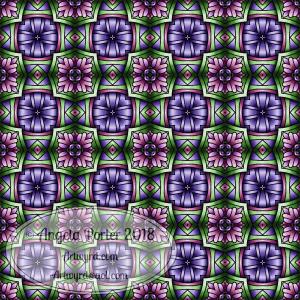
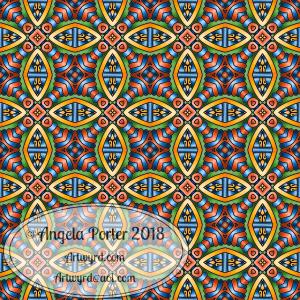
Oh, I’m having so much fun creating repeating patterns!  There is something inside me that loves geometry and symmetry and messing around with dimension, and it gives me a bit of a creative break from the contract work I have at the moment.  Not that I’m not enjoying that, ‘cos I am, but sometimes it’s nice to do something a bit different.

I used one of my entangled drawings of late with the Repper program, GiMP and Autodesk Sketchbook Pro along with my Microsoft Surface Book and Surface Pen to create this.

The colours came from this months color palette challenge over on the Angela Porter’s Coloring Book Fans facebook group, though I added the teal green into the palette.

Repeating patterns, my first experiment

Pattern 18 coloured v01 watermarked

Over the past few weeks, I’ve been thinking about and looking at how to make repeating patterns.

I’ve tried the old fashioned way of working on paper and cutting the paper and so on, and not found the results at all satisfactory.

I’ve had a bit of a go in Adobe Illustrator, but I find Illustrator so confusing and frustrating to use.  There seems to be a total disconnect between my brain and the software architecture of Illustrator, and other similar pieces of software.

A day or two ago I found a little app in the Microsoft Store called Amaziograph that lets me create repeating patterns in sheet form, which is great if I want a sheet of black and white repeating, entangled line art, but not what I want if I want a coloured repeating pattern.  Oh, the app is a lot of fun to mess around with for sure and no doubt I will use it to generate patterns.

Looking around at software today, a lot of it either works in Illustrator or is prohibitively expensive given that I just want to have a play, see what I can come up with and see if it’s something that I’d like to spend more time with.  Where they offer free trials, I know they’re not going to be a long enough trial for me to get to grips with Illustrator and the software/plugins, so I’d not be able to make my mind up.

So, on a wander around the corners of Google, I found a lovely little program called Repper. It had an online trial version that I could play with quite happily, and I decided to purchase it afterwards.

In Repper, you open your own artwork and use parts of it to create repeating patterns.  The pattern above is an example of that, kind of.

What I did was to take one of my coloured mandala patterns and use that to create a pattern that was pleasing to me.  Actually, I had many, many patterns that were pleasing to me, and I saved them as tiles that would form a repeating pattern.  With some, I saved them as a surface pattern, where the tiles were already repeated.

What is nice is that the program lets me set both the size and quality of the tile or surface image.

Next, I put the  tile I particularly liked into GiMP (GNU image Manipulation Program, open source software) to copy the black lines and create a new, uncoloured tile with a transparent background.

Autodesk Sketchbook Pro was my next destination so that I could colour the tile as I liked.  Not so easy where the edges of the tiles will meet  and to have no edges showing up.

The tile is partly finished in terms of colour, but I wanted to see how it would look tiled.  Go, back to GiMP I went and the above was the result!

My head now hurts a little after this, which means I need more tea, LOTS more tea and a bit of a break.

I absolutely love that I can take my artwork and use it to create more interesting designs and patterns with.  It’s absolutely fascinating, very easy to get lost in it all.

Definitely a very nice way to spend a few hours on a chilly and very rainy afternoon!  My Surface Book and Surface Pen have had a good workout in the process too!

Entangled 02 Jan 2018

02 Jan 2018 Angela Porter watermarked

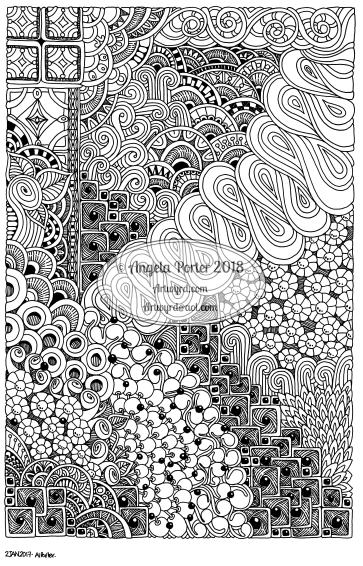
Today’s entangled image.  Drawn using a Sakura Micron PN pen on bristol board.  A little less than A4 (Letter) in size.

Entangled 01 Jan 2018

01 Jan 2018 Angela Porter watermarked

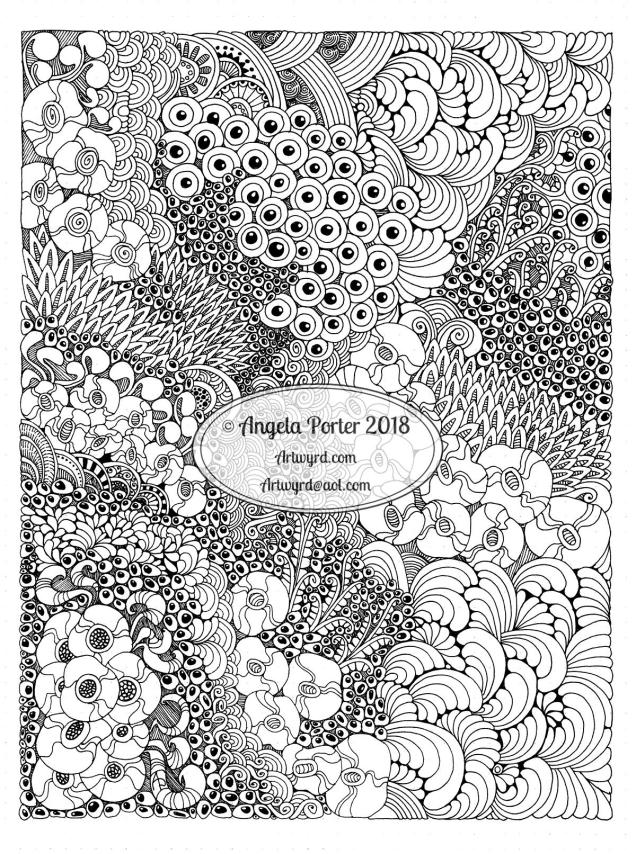
I finished this today. Sakura Pigma PN pen in blue on A4 dot grid paper.

Note to self – use a dark coloured pen, not blue, on dot grid paper otherwise it’s going to be a nightmare to remove all the little dots on the drawing!

Hello 2018!

New Year 2018 by Angela Porter

Happy New Year to each and everyone.  May all our years be filled with love, peace, joy, laughter, and an abundance of good things and times.  And colour.  Lots of colour.  And beauty, lots of beauty to create.