A variation on the abstract, stylised flowers of a day or two ago, with a lovely quote.
I got too heavy handed with the texturing in this one, but I just wanted to try the flower out without an outline. I’m disappointed with the texture, and it was too late for me to undo it by the time I realised it. Hopefully I’ll learn to save my work more often at points before I do something where it could go critically wrong and I can backtrack easily.
It was an enjoyable process, even though I’m more than a tad frustrated with myself. Still, it’s an experience to learn from for sure.
After doing some statistics for a friend, I turned my attention to art. I noticed I had the desktop version of Repper pro and thought I’d have a play around with one of my Entangled Gardens drawings.
Repper pro is an app that allows me to make repeating patterns from my own artwork quite easily. I made a few, including the border above, in a short time. It’s now available online, for a monthly subscription.
I like to use a border of my art against a favourite quote, I thought I’d do that today, though I did take some liberties with the quote and replace “his” with the gender non-specific “their” as not all artists are male!
I do like repeating patterns, and I particularly like this border. I also like that I can make use of my artwork in different ways.
I know that my art reflects my soul, my heart, what gives me pleasure in drawing and in seeing too. Even this border makes me smile gently, both on my lips and eyes and in my heart too. I think I may give more of myself away than I realise when I create art. I think all artists and creatives do.
As I grow and develop my artistic voice, there’s still that quality of line, colour, composition that is distinctly me. Others may work in a similar way, but there’s still something unique about each of us, things about our art that set us apart from each other. These differences can be obvious or subtle, but each is a unique calling card for each artist or creative.
Abstract flowers with a simple mandala/wreath in the background. Created digitally using Autodesk Sketchbook Pro, Microsoft Surface Studio and Microsoft Surface Pen. Simple. Stylised. Satisfying to create.
I managed to get a fair bit of colouring done yesterday and this morning. It never ceases to amaze me how colour can add so much dimension to the design, particularly as I use quite high contrast. It’s possible to see the dimension in the line art, but colour really brings it out.
There are areas that look a little flat, but I can sort those out later on by adding more shadow and highlight.
So far, I am pleased with how it’s working out. I’m also enjoying the hybrid art that results from traditional drawing and then the application of colour digitally.
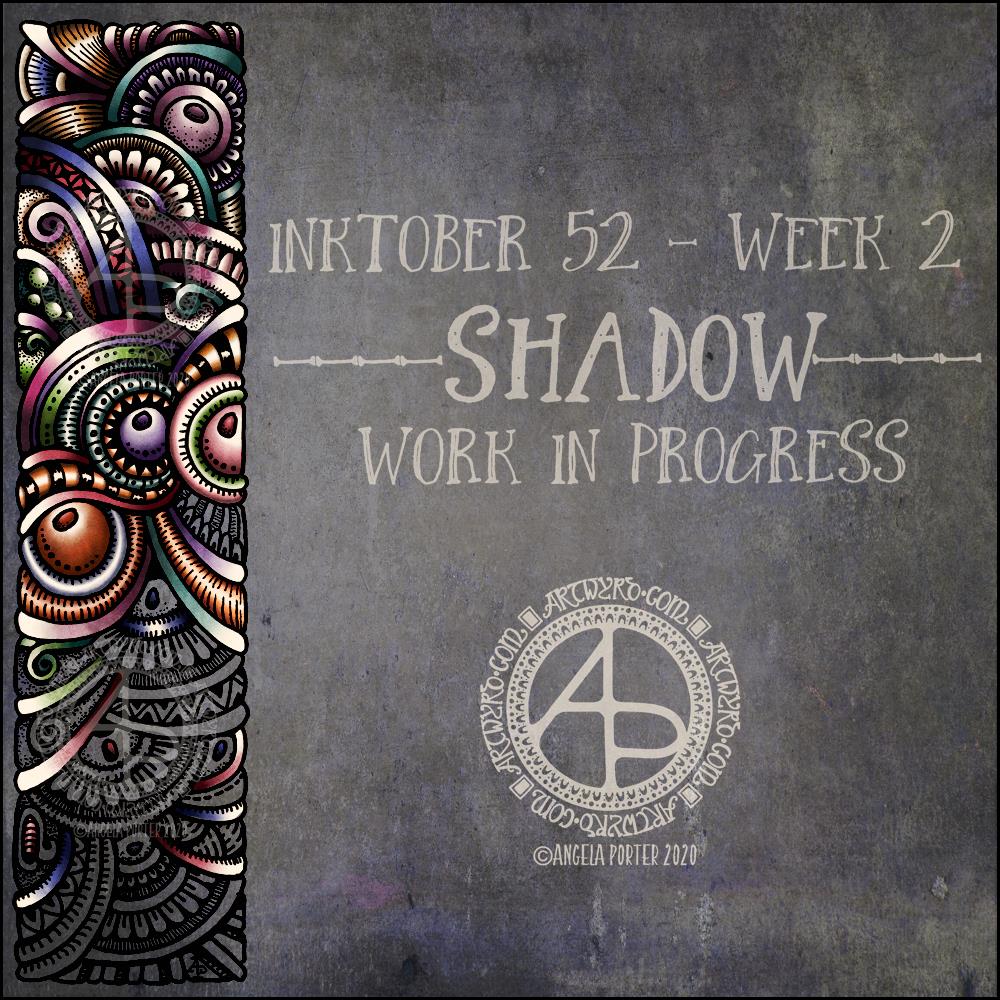
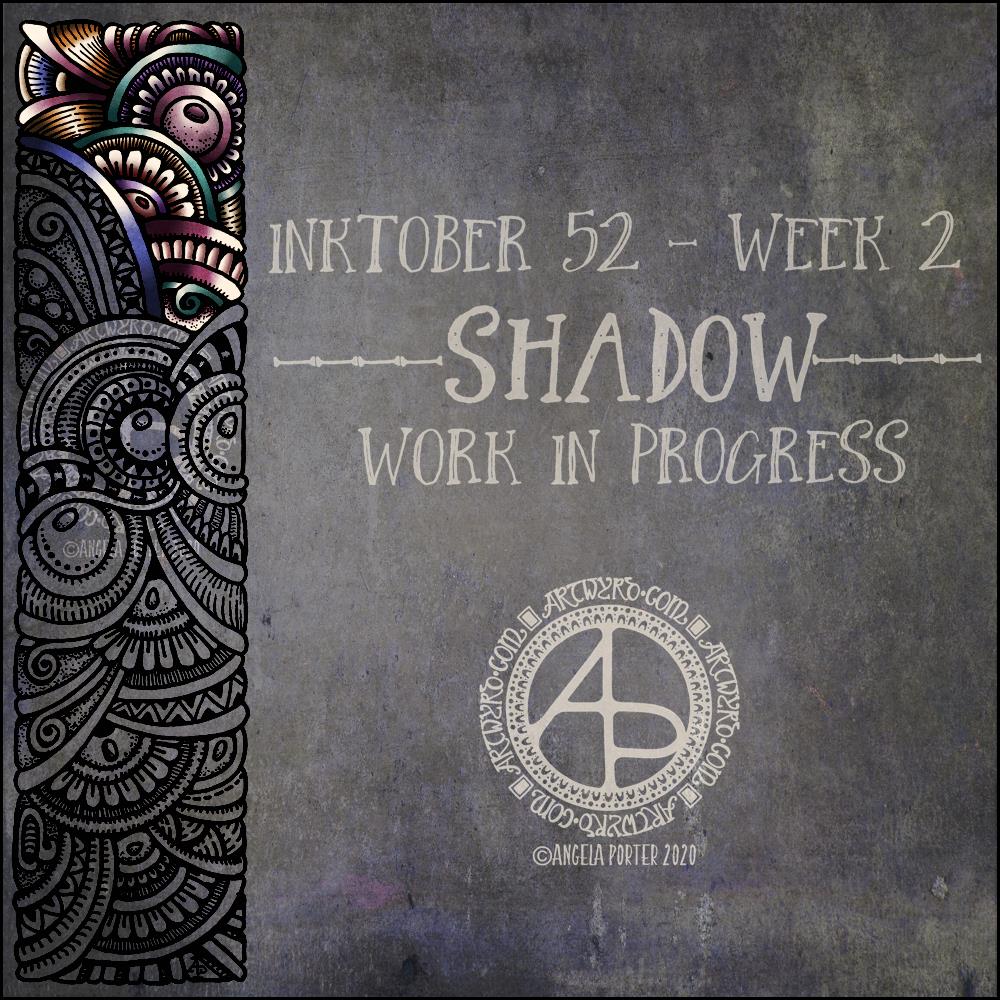
I like this week’s prompt for #Inktober52 – Shadow. I like to work with quite high contrast colours/shades to give the illusion of dimension. So, I thought I’d take one of my borders, add it to a very shadowy background, add colour, light and shadow, and finally I’ll put a quote about shadow on to it. My only problem with adding a quote is which one to choose! There are so many fine quotes about shadow and light.
It’s nice to have a whole week to work on the prompt. I’ve already spent over two hours adding colour to that little section of the border design, just to give you an idea of how long it takes me to work in colour.
What this means is that I can use my Inktober52 project as ‘warm up’ or ‘comfort’ art over the next few days if I wish.
The colours I’m choosing are quite ‘dull’ for me – they are hues that have a lot of black/ in them and they do give a quite vintage or grungy feel. However, against the dark background they glow.
They’re not my usual choice of bright, pure colour. I think that’s simply because it’s taken me a long time to work with them and become comfortable with them too. That’s another reason why Inktober52, and Inktober, are so good – I end up trying things out that I wouldn’t necessarily do for my publishers.
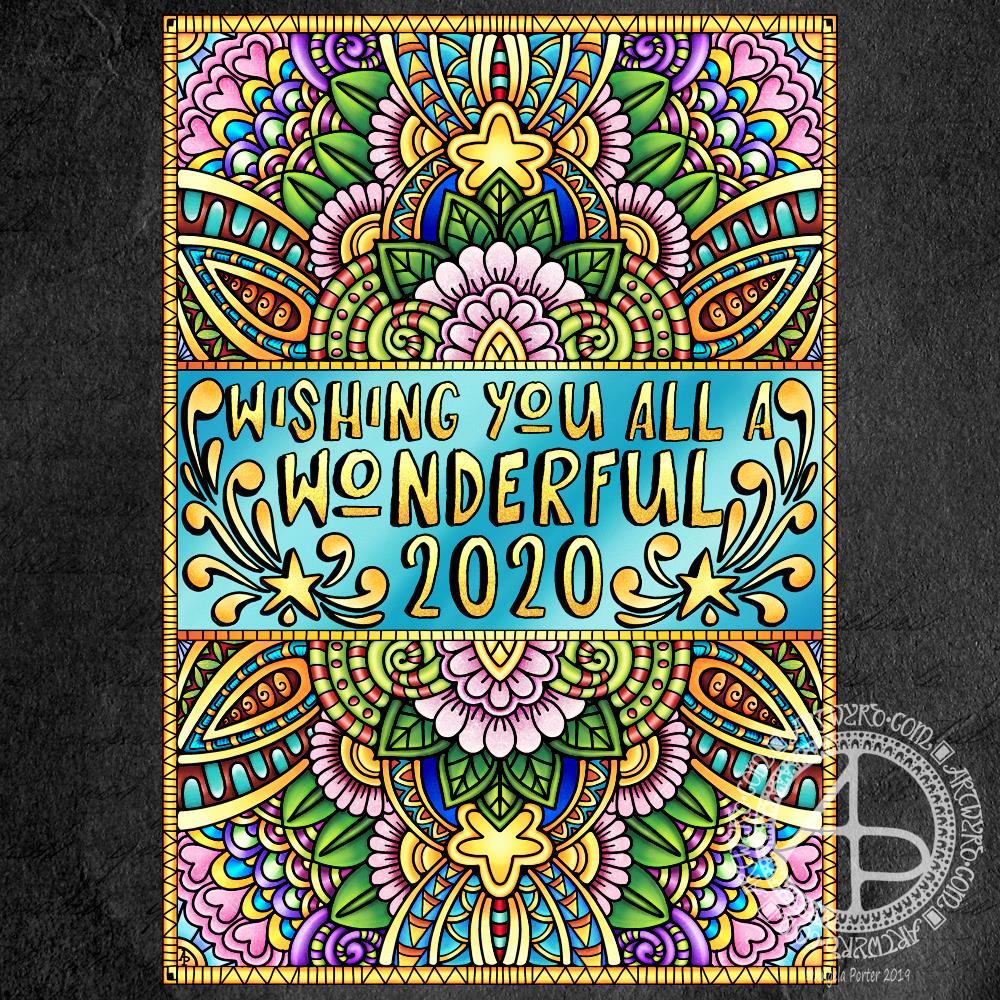
New Year coloring template (c) Angela Porter – Artwyrd.com
Today, I seem to have a lot of my focus back. I’m still not 100%; my appetite and taste buds are still way off, but my mind seems to be a bit less fuzzy.
Here is a section of the template, which I’ve been working on colouring. The gold background is just a temporary thing.
I used Affinity Publisher for the typography in the centre of the design. I then used Autodesk Sketchbook Pro to draw the design and to start colouring it. The template is in my entangled signature art style.
I’m enjoying adding colour to this design; this is a good sign that I’m recovering from the tummy bug that has laid me low for the the best part of a week now.
If you’d like to download a copy of the colouring template, you do need to be a member of the facebook group – it’s free to join and the template is free to members!
Of course, I’ll be posting my coloured version of the template to welcome in the new year.
Yesterday, as today, I wasn’t feeling too grand still. The stomach bug has laid me rather low it seems. I tire all too easily. Still, I wanted to create some art, so I thought working with flowers would be a nice thing to do.
So, I started with some pen drawings of flowers with three petals – that’s the top row. I used a Faber-Castell Pitt Artist pen on dot grid paper (the dots of which you can still see!).
After scanning that drawing in, I re-drew the same designs digitally using a technical drawing pen style brush (second row) and a flexible nib ink pen brush (third row).
The fourth row of flowers is the same as the third (using digital magic to copy the drawings), but with colour gradients and some details added in the last flower of the line.
The last row was done using the drawings as a guide, but using colour so I could try a variety of brushes and techniques out on them. I used the Copic colour palette that is part of Autodesk Sketchbook Pro’s options.
Looking at the last row of flowers with fresh eyes, I can see how I could’ve added some stamens to some of the flowers, particularly the green one.
I just wanted to be arty for the sake of being arty. What I’ve ended up with is a sketchbook page that is a mixture of traditional and digital art! And there was me saying a few blogs ago that I find it hard to do art just for the sake of creating with no goal or purpose in mind.
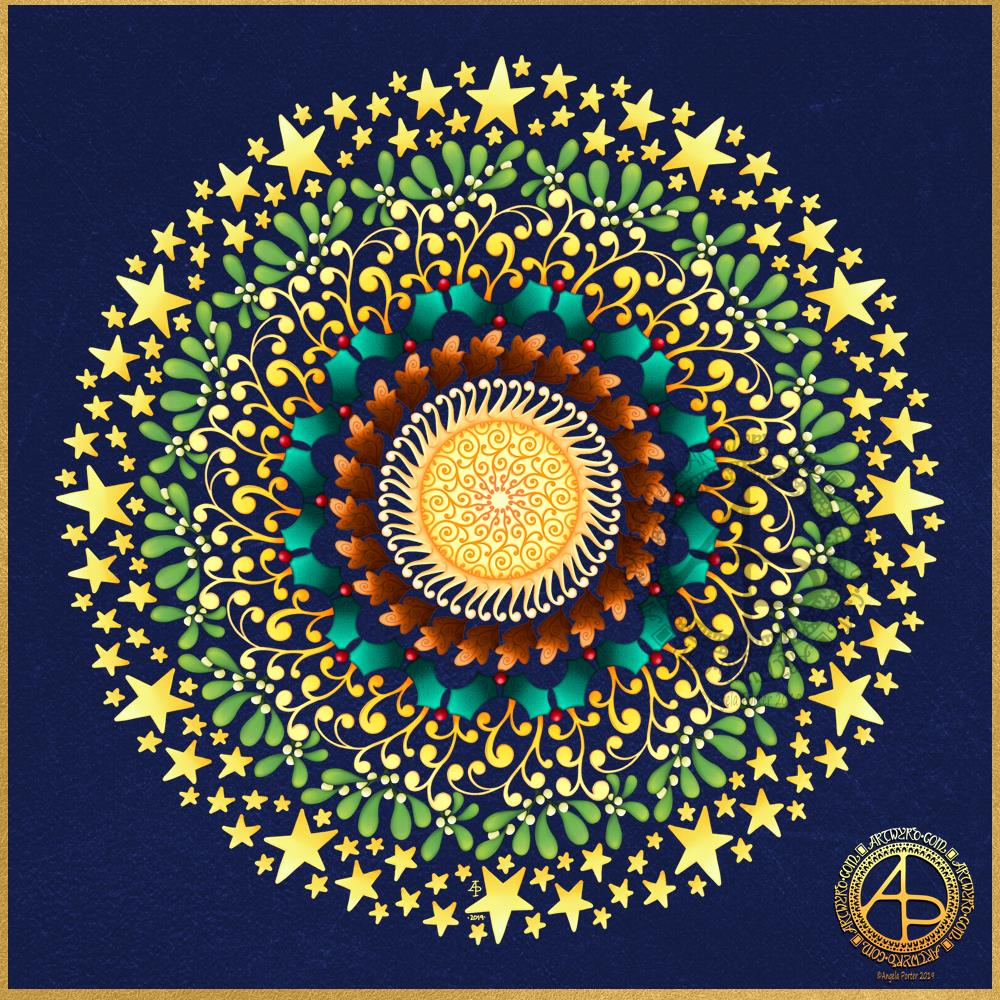
I’ve been awake since way before dawn drawing this mandala to celebrate the Winter Solstice. I’m looking forward to the increased hours of daylight, though it will be a couple of weeks, or so, before there’s any noticeable difference in the length of day.
It’s been a lovely way to spend the hours as night gradually gives way to the sun. Not that I can see the Sun itself; grey skies and patches of rain obscure the golden wonder of that glowing ball of nuclear fusion.
I created the mandala using Autodesk Sketchbook Pro, Microsoft Surface Pen and Microsoft Surface Studio.
Is it a snowflake, or a stained glass window? I think it depends on the colour palette used! I started off with blues and purples to give this design a wintry, snowflake feel. However, other colours crept in. Not sure how much I like the finished coloured mandala.
If you’d like to colour this design in, then a black and white template is available exclusively to members of the Angela Porter’s Coloring Book Fans facebook group. Pop along and join in – they’re a really lovely bunch of people!








 Art is the Adventure