Mandala for 29 Dec 2019

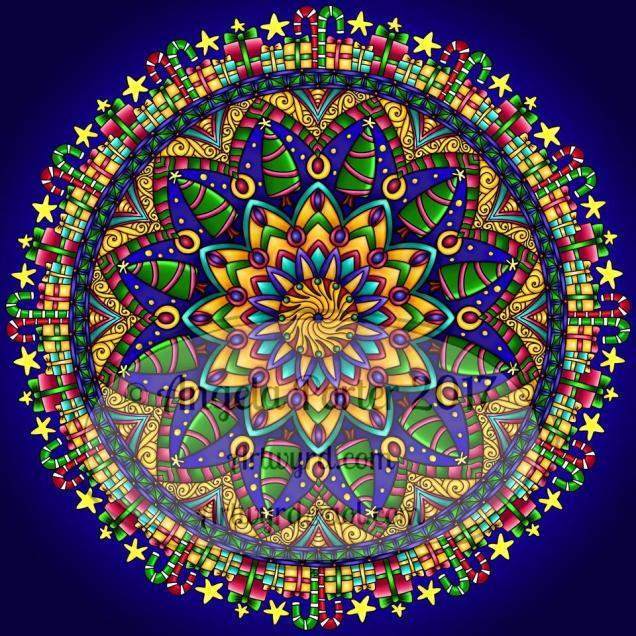
Mandala 29 Dec 2017 by Angela Porter

I started this one late last night and finished it today.

A very different kind of colour scheme, reminds me a little of Steampunk.  Also, I used a watercolour brush to colour it in and I’ve left the texture in the colour mostly there, again something quite different for me.

Microsoft Surface Pen, Microsoft Surface Book and Autodesk Sketchbook Pro

#created on surface #autodesksketchbook


WIP Wednesday

WIP 27 Dec 2017 Angela Porter

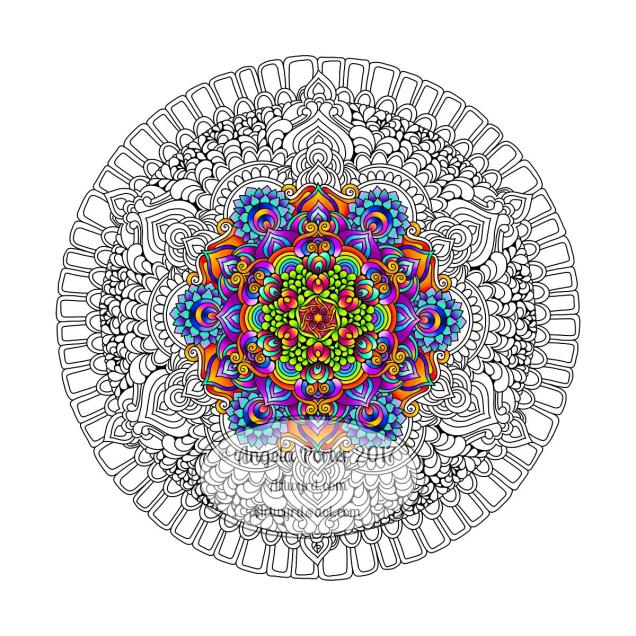
It’s WIP Wednesday once again over at the Angela Porter’s Coloring Book Fans facebook group. This is my current work in progress. I think I’m in touch with my inner bohemian/hippy once again in my colour choices, or maybe I just need a break from all the Christmassy/Winter colour schemes.  Perhaps I just need some bright colour in my life at the moment.  I do know using bright, vibrant colours always makes me smile.

#createdonsurface  #autodesksketchbook

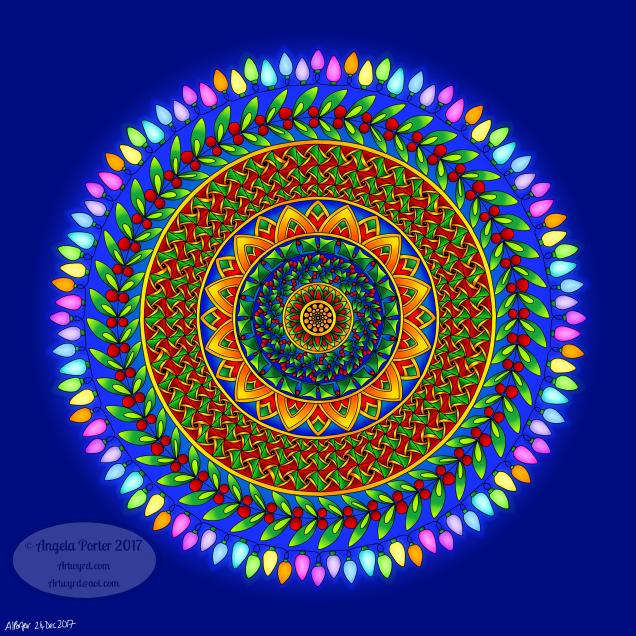
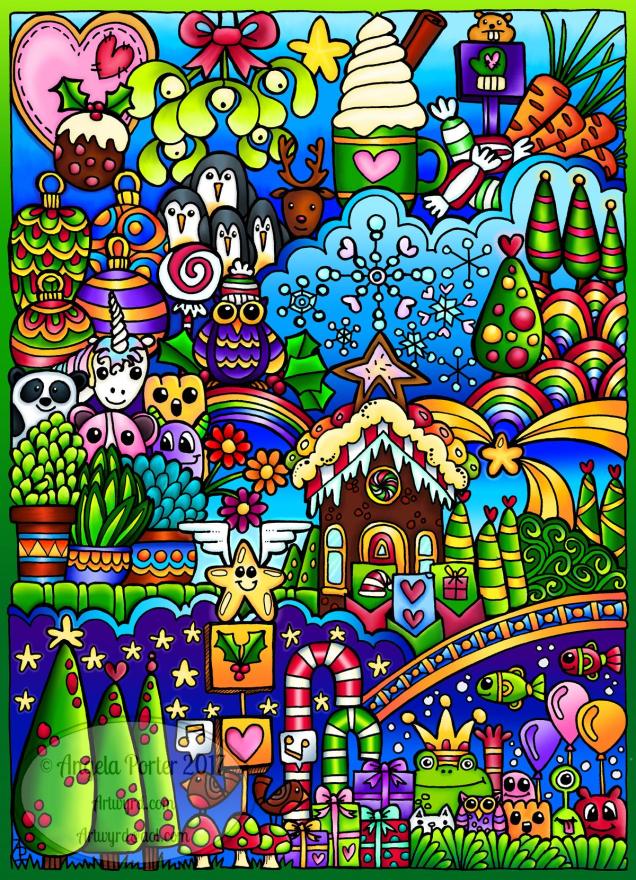
Season’s Greetings 2017

ChristmasGreeting2018Angelaporter1

I wish you all the very best that the season has to offer, not just for today, but for everyday henceforth. My all your lives be filled with love, peace and joy.

#createdonsurface #autodesksketchbook


WIP Wednesday and a new book available in the Colorist App

winter_01_coloured_Angela Porter1

It’s that day again – WIP Wednesday – in the Angela Porter’s Coloring Book Fans facebook group.

So, here is my work in progress, an icy patterned mandala.

This mandala is one of ten templates available in my latest book in the Colorist App from Faction Apps,

I’m using the template as an opportunity to learn more about Autodesk Sketchbook Pro on my Microsoft Surface Book, in particular working with the different kind of layers and how I can add patterns to the coloured sections.  This mandala is going to be great for that as the sections are quite large.

#created on surface

#autodesksketchbookpro

#angelaporterscoloringbookfans

Doodleworlds – a coloured template.

AngelaPorter_Doodleworlds_Coloured_01

This is the finished Doodleworlds template that was started a couple or so days ago.

I needed a quiet day or two and colouring seemed to be the way to go, and it gave me a chance to work more with Autodesk Sketchbook Pro and my Microsoft Surface Pen and Surface Book.

There’s a facebook group dedicated to my colouring books – Angela Porter’s Coloring Book Fans

#createdonsurface

#autodesksketchbook


Christmas mandala

AngelaPorter_ChristmasMandala2_2017

I enjoyed drawing and colouring the previous mandala so much, I thought I’d do another.  This was particularly helpful for me as I was rather emotionally drained yet emotional yesterday after doing a couple of anti-stigma talks in my role as a champion for Time to Change Wales, a campaign that aims to end the stigma and discrimination that surrounds mental illness.

I started this yesterday, but it’s taken me much of today to complete it.


WIP Wednesday on Angela Porter’s Coloring Book Fans facebook group

christmas2017_01_AngelaPorterColoured1

Wednesdays are WIP Days over on the Angela Porter’s Coloring Book Fans facebook group.

Today, as part of my December/Advent gifts, I created this Christmas themed mandala for them to colour in.

If you’d like to colour this one in, then pop over to the facebook group, join and download and print the template for your own personal use – no selling, sharing and so on, either uncoloured or coloured!  Don’t forget, the group members, and myself, love to see how you bring the template to life with colour!

I used my Microsoft Surface pen to draw the mandala on my Microsoft Surface book in Autodesk Sketchbook Pro.  I then used the same tools to colour the mandala.

Artwyrd – My Etsy Shop

dav

I’ve been busy the last couple of days adding some digital stamps to my Etsy Shop.

So far, I’ve added eight whimsical flowers, an example of one is to the left.

They do have quite bold black lines, which I quite like as they give a stained glass ‘feel’ to them, possibly a lino cut one too.

The images are simple outlines, which leaves them free for purchaser to add patterns and colours as they wish to.  Also, being digital, you can print them on any kind of paper so it’s easy to work with different media.

All hand drawn in Autodesk Sketchbook pro on my Microsoft Surface Book.

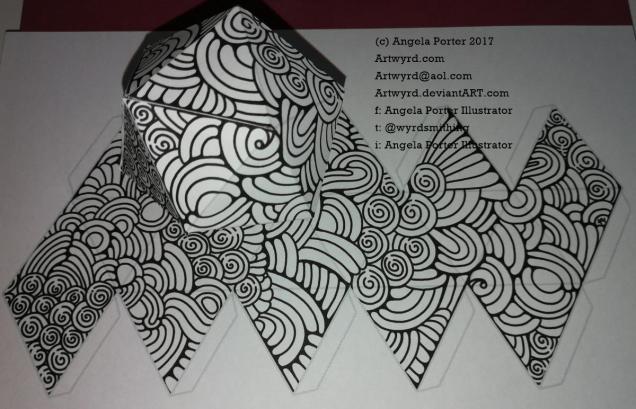
Entangled d20, aka icosohedron

dav

Just finished drawing this and assembling it.

I drew and edited the construction lines in Serif’s Affinity Designer.  I then opened the saved file in Autodesk Sketchbook Pro on my Microsoft Surface Book and created layers, including a mask as the top layer.  Then I doodled.  Printed out two copies.  Cut one out, scored and folded along the grey construction lines, then assembled using Cosmic Shimmer Acrylic Glue.

Assembly was a bit of a ‘mare, and it wasn’t helped by me not scoring and folding a couple of lines, but when put together, it kind of works. Even where the edges aren’t likely to marry up nicely, the still seem to work.

One thing I will need to remember to do on the next one is to go round the cut edges with a black marker of some kind which will help those edges to blend in a bit more.  Maybe.

I do rather like the heavy black lines on this one, and coloured in they’d look like stained glass!

No numbers, so it’d not really work as a d20 (20 sided die), but coloured in that maybe possible with a key of some kind.

All good fun stuff!

Yes, I am being busy with arty crafty stuff today … and it’s not ended yet as I had some soft polymer lino in the post the other day and I haven’t tried carving that yet!

Autumnly Entangled 1

AutumnlyEntangled1_AngelaPorter_14Sept2018

I’ve had a busy couple of days with this and that and the other.

Yesterday and today it’s been learning about vector files, images, graphics and how to get my artwork done as that kind of file and to a maker so she can use them to laser etch her products – more about this when I have photos of the projects!

Lots of head scratching, googling, and finally settling on downloading a program that works in vector graphics.  So, a lot of learning to do with that, but it’s easy, intuitive and makes a lot more sense than Adobe Illustrator; I chose Serif’s Affinity Designer.  I don’t know if it is as sophisticated as Illustrator, but I can’t see me wanting to get to that kind of level – I love Autodesk Sketchbook Pro way too much for that!

Certainly a different skill set is needed, but I’ll get there as I usually do.

After all the time on the ‘puter, I had the need to return to traditional media, and the photo above is what I’ve spent my evening doing.

First, the paper (approx. 14cm x 21cm), along with a few other sheets, was coloured with distress oxide inks.  Then I drew on it using a mixture of pens.

It was really nice to do, the colours of all the sheets are rather autumnal, and I’m looking forward to drawing on the others over the coming days.