
Birthday Mandala

This is today’s little piece of art; it’s 14cm x 10cm, drawn on natural coloured mixed media paper from Claire Fontaine. I used a mixture of Sakura Micron and Uniball UniPin pens, along with a white Sakura Gelly Roll pen, a brown Kuretake Zig Clean Colour Brush Pen with a damp paint brush, and some dots of metallic copper paint.

Have a wonderful day, and find even a few minutes to colour, relax, unwind and calm!
Here’s my finished version of my Coloring Day Template 2017. I’ve enjoyed colouring it, muchly, but now need to turn my attention back to drawing eerie lineart for Dover Publications.
Oh, I coloured it using my Microsoft Surface Pen and Microsoft Surface Book in Autodesk Sketchbook Pro. It took around 15 hours or so to complete, I think; I lost time while doing it!

The day be soon upon us! National Coloring day in the USA, but that can apply to the whole world!
In celebration, I’ve created a free coloring template, a partly coloured version of which you can see above. You can get the template by visiting my facebook page, just click on this link to go directly to the post – Angela Porter Illustrator.
Have fun! I have been – lost several hours colouring in the template, and it’s only about half done, if that! Yes, I’ve been doing this one digitally, well partly. The mandala was drawn using Autodesk Sketchbook Pro, printed out, and then the doodles and zentangles and so on were drawn using a Sakura Micron Pen. Scanned the finished image in, cleaned it up in Sketchbook Pro, then started to colour it digitally, and I actually like how the colouring is turning out. I’m finally getting to a stage where I can say I like what I’m doing … for this style of drawing at least. Somehow, I think that bold, bright colours with high contrast shadows and highlights to create a strong illusion of depth/dimension is me, and I perhaps need to forgo the desire to do ‘watercolours’…we’ll see in the fullness of time!

That’s right! Not digital, but drawn using Pitt Artist Pens from Faber-Castell.
Something inside me told me I needed a break from playing around with digital art, and that my pen wielding skills needed a bit of a dusting off.
If anything, drawing digitally has resulted in me being a bit more confident and fluid with my pen strokes. I also realised that it’s a lot easier for me to work out designs on paper (though I’m not happy with all of the drawings above – a bit out of practice, maybe).
I’m my latest drawings for the Dover Publications project, I have been drawing out the bare bones of a sketch on paper, scanning in and then working on it digitally. That has helped me with size and layout of the design for sure.
This makes me hanker after a Surface Studio even more, as I’d be able to work on a digital image at a 1:1 scale for A4 drawings at the very least.
It’s not easy for me, it seems, to get my brain around the the fluidity of scale of drawing digitally as compared to the fixed scale on paper.
All the same, I really enjoyed wielding a pen with creativity on paper rather than screen. It has it’s own pleasures, and challenges, including having to work with the mark you make when you put ink directly on paper; there’s no easy ‘erase button’ to be used! So, it’s more about going with the flow and the creative opportunities that the permanency of ink results in (creative opportunities being the positive way to view ‘mistakes’; as I was once told, there’s no mistakes in art, only happy accidents!).
Oh, the boxes on the images. Well, I do intend to scan these in individually and create files for printing out, the boxes being there where a greeting or message or quote can be placed.
Also, each drawing is approx. 4″ x 4″ (10cm x 10cm)
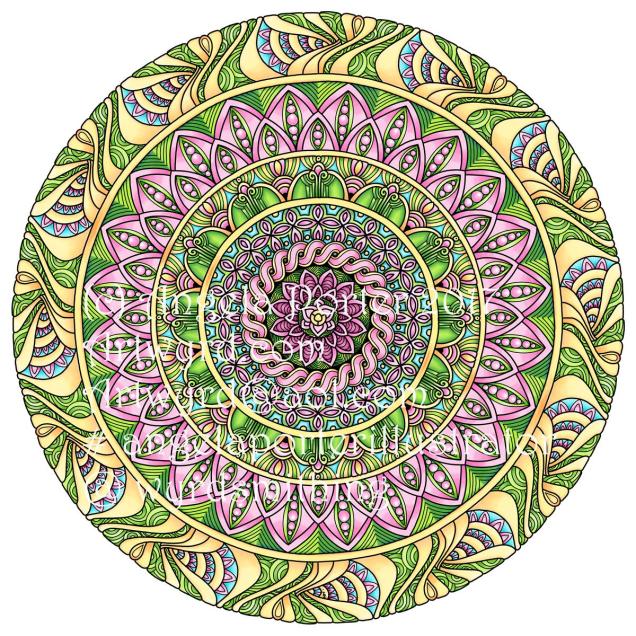
Inbetween working on a colouring book for Dover, I get to play with mandalas from time to time. This is today’s coloured mandala.
Autodesk Sketchbook Pro, Microsoft Surface Book, Microsoft Surface Pen.

This is today’s mandala. I have spent arty time today designing the card for a friends wedding; it’s still a work in progress, but I’ll get there.
Autodesk Sketchbook Pro on a Microsoft Surface Book with a Microsoft Surface Pen
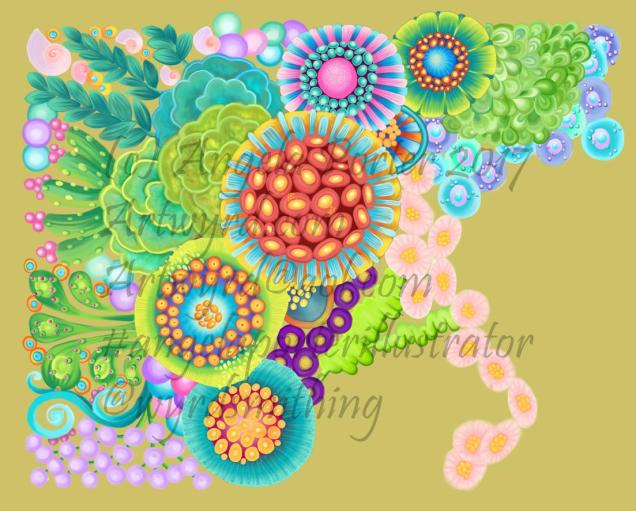
I’ve spent quite a bit of time on this over the past couple of days, and it’s coming along for sure.
The background colour isn’t the final one; I’ve yet to work out what colour/s would work out well, but just testing out a sandy kind of colour.
Autodesk Sketchbook Pro
Microsoft Surface Book
Microsoft Surface Pen
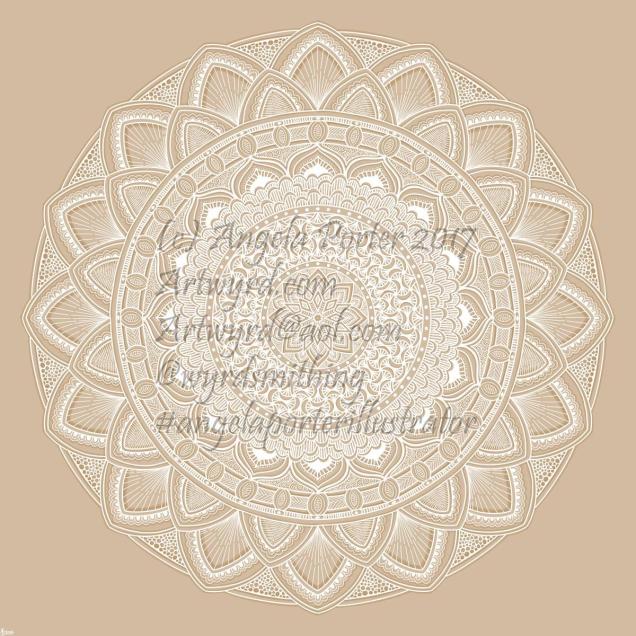
I thought I’d try white on a kraft paper coloured background. I quite like it.
Autodesk Sketchbook Pro on my Microsoft Surface Book
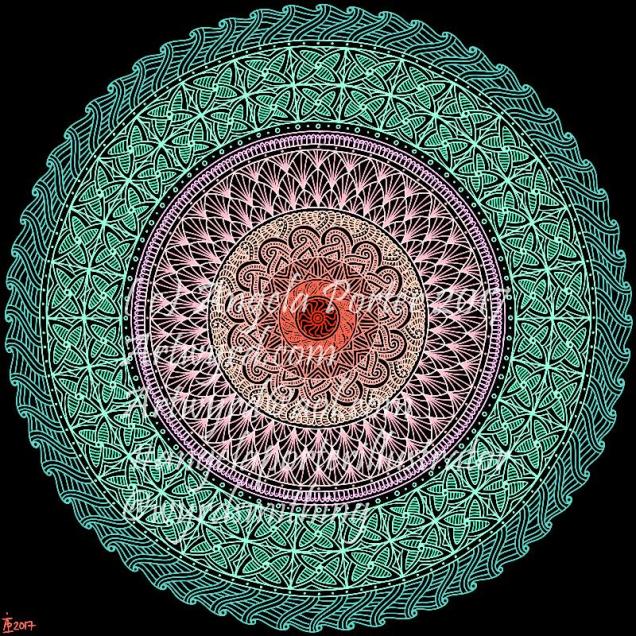
Drawn on my Microsoft Surface Book using Autodesk Sketchbook Pro and a Surface Pen.


 Art is the Adventure