Spectrum Noir Illustrator pens – Review

Today, I popped into my local craft shop – Dandie Crafts (Dandie Crafts Facebook Page)- in their new premises in Caerphilly.

The shop is larger, smells fresh and new, has more space for stock and much more space for classes and demos.  The warm welcome was very much the same.

I had gone there to stock up on paper for my printer; I like their own range of acid-free heavy-weight paper (usually 160g/m²) and found the Spectrum Noir Illustrator  twin-tip alcohol markers in stock.

I bought the six packs of pens, which cost £12.99, so the pens work out a little over £2 each, which is about half the price of a Copic Sketch marker, Promarkers you can get for a little over £1 each at the moment.

Debbie, the lovely lady in charge today, told me they’re supposed to be a new formulation of ink that blends more easily with quality Japanese nibs.  One of the nibs is a bullet nib, the other a brush nib.

On the Illustrator marker packaging it says:

For smooth, natural linework and detailed colouring.  Fully blendable, streak-free coverage.  Perfect for drawing and illustration.

So, I just had to buy and try them out!

I drew the design using the True Black marker and the bullet tip.

The bullet tip isn’t as fine as I thought it would be.  The tip is softer than the bullet tips found on the Promarker pens.  Personally, I’d prefer the bullet nibs to be firmer.

The pen drew nicely with plenty of ink in the new pen (something that hasn’t always happened with my experience of Spectrum Noir pens in the past).  Also, the ink seems jucier in a different way that I can’t describe.  It does seem to be a different formulation.

The black lines are thicker than I’d usually draw, but I’m hoping they’ll give a stained-glass kind of feel to the art.

Once I’d inked out the design on 160gsm smooth white card, I started to colour in the design using just two colour blending.  That was going to be a bit of a challenge as I have eight of the six pen sets which aren’t the full range of colours in the Illustrator pens.

What I did notice is that the colours do blend much more easily than the original Spectrum Noir markers, and also the Promarkers and the Copics!  The ink in the Illustrator pens is definitely different to the others.

Also, where I coloured fairly large areas with one colour, there was no streaking!  Admittedly I didn’t colour a huge area, but so far so good.  The lack of streaks was the case with both the bullet nib and the brush nib.

For the green leaves, I also used a tip-to-tip method to transfer a little of the darker colour on to the lighter colour to help blending with two quite different shades of green. That worked well.

The brush nib is made up of fibres that do spread out – more like the Chameleon pen nibs than Copics.  I don’t now how that will affect their ability to get into small nooks and crannies as they are used over time.

I also noticed that the inks are a lot more vibrant and ‘cleaner’ in colour than the original Spectrum Noir pens, which is a huge plus for them.

The only downside is that as I was colouring, the inks would blend out the black ink, so some of the lines have bled where I don’t want them to bleed.

I do need to test them out with the usual pens I use for drawing and also with the Epson Ultra-brite ink I favour, which hasn’t been affected by alcohol markers previously.

Overall, I’m happy with the pens.  I most probably will get the full set of 96 and will use them along with my other alcohol markers as I’m sure they’ll work well with them.


Crimble card making time again!

I’ve been keeping myself a little busy at times in the past few days making this years crop of Christmas cards.

The materials I used:

  • Kraft cardstock and ready cut 4″x4″ Kraft card blanks
  • Watercolour paper
  • Spectrum Noir sparkle pens
  • Zig clean colour real brush pens
  • Perfect pearls
  • Cosmic shimmer metallic and iridescent paints
  • Nuvo crystal drops by Tonic
  • Sakura glaze pen in black
  • Inktense pencils by Derwent
  • Gold glitter cardstock, matte gold cardstock and mirror gold cardstock from Crafters Companion
  • UHU glue
  • Glue dots
  • White fun foam

And here are the resulting cards; they all shimmer and shine to one degree or another!

Microsoft Surface Book, a dead printer and other stuff

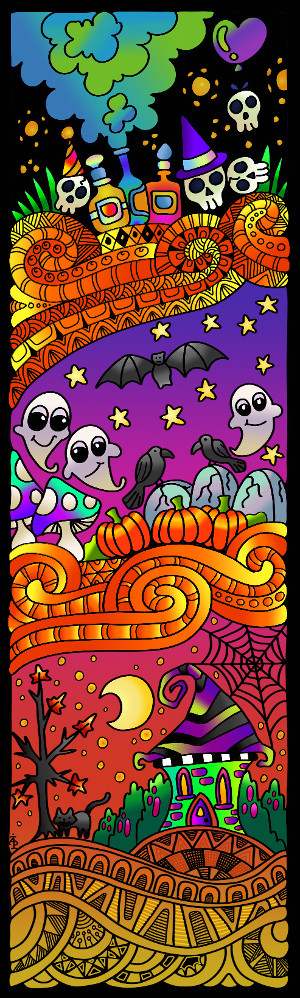
angela-porter-colouredonehalloween-2016
My first digitally coloured and drawn line art created using my Surface Book.

The image to the left is my first digitally coloured drawing I’ve done with the Surface, but not the first drawing I’ve done with it.

The image to the left is my first digitally coloured drawing I’ve done with the Surface, but not the first drawing I’ve done with it.

I went and did it.  I really did.  I thought long and hard about it, I considered my various options, but after a lot of help and a play with a Microsoft Surface I decided that I was going to get one so I could explore the world of drawing digitally and digital art.

So, I ordered a Surface Book, it arrived and I picked it up from the shop at a time when the young chap who helped me with information about them was there so he could see it and try it out – my thank you to him. Apparently it caused a ‘nerdgasm’ as a fair few of the assistants came over to have a look and lust over the Surface.

That was around 3 weeks ago and I’ve certainly been giving it a good try out, and learning as I go, and I really do have a lot to learn! I will learn too, as and when I need to simply by exploring and playing.

One awkward task has been finding a program/app that will let me draw on the surface almost as if it is pen on paper.  So far, Autodesk Sketchbook Pro is my most used app.  I’m having to learn about using layers, the type of ‘brush type’ and thickness and the other settings to get my drawings to look the way they do.

One little tool that has been invaluable has been the ‘smooth’ function; the Surface screen is so sensitive to movement and there is such little friction between the SurfacePen and the screen that my usually smooth lines were all over the place!  This has solved it though, without making my drawings look like they’ve been computer generated.  I’d like some choices of amount of smoothing applied, however, and maybe that’ll be something the app designers will add to it in future updates.

I have already found it of great help as I had some small amendments to make to a couple of images for Color Me Grateful.  It was so easy to do these, once I’d worked out how to make the texture/randomness/spacing of the line drawn mimic the lines drawn with the pen I’d used on paper.  No messy white-out liquid, no dusty eraser mess, no awkward editing to do with a mouse.  I can do the editing and tidy up of lines as I work, easily erase ‘mistakes’ or alter elements wholesale.  That alone makes the Surface worth it’s weight in platinum!

Add to that that if I am going to do all my future drawings on the beauty then I’ll not need to do the rather tedious task of scanning in and then cleaning up the images laboriously, then it’s worth double its weight in gold-pressed latinum!

Oh, I know I’ll still have to scan in a few images – ones I’ve printed out and coloured using traditional media – but they will be far fewer than the numbers I’ve had to do.

I did consider a Wacom Cintiq, however I couldn’t find anywhere to have a ‘test drive’ of one, and that I really wanted to do before I bought one.  I was able to play with Surface and work out quite quickly that it would work for me, especially as there was software loaded on it that would do what I wanted to do with one.

Of course, it will lead me to exploring the world of digital art and how it will work for me and my style of art, but I also know it will open up new ways of working, new techniques and effects for me.

Printing

peace-3
Playing with the Surface

I have a fair few drawings I want to print out to colour in traditional media, and also to check the line thicknesses and detail of the drawings as I’m still in the process of getting used to drawing on a screen that is smaller than A4 paper, and a lot smaller than A3.  However, the more I use it, the easier it is becoming for me to adjust to this way of working.

So, I went to print out some art yesterday, to find my printer had died on me.  I can’t even get it to turn on!

The hunt for a new printer began, and I chose an Epson printer that uses the DuraBrite Ultra ink as it’s supposed to be at least water resistant and someone has posted somewhere that it isn’t affected by alcohol markers such as Promarkers or Copics.  That would be great if that’s the case!  I also understand that the printer will take fairly hefty papers/cards too, which is even better considering I’ll want to put watercolour paper and mixed media paper through it.  My dead Brother printer coped well with both of these, though the watercolour paper had to be fairly lightweight in comparison to some I have in my stash.

The new printer should be with me the middle of next week…

Other things…

I have a break for a while from working for publishers.  I’m using the time to explore the Surface book, to visit places to gain inspiration, and to get my head around ideas I have for books and illustrations and so on.  I also need a break from the wonderful, crazy but overly busy time drawing for so many publishers and books.

Crazily busy, yes, but something I’m so grateful for as it’s all allowed me to leave teaching and become self-employed.

Color Me Stamps!

I have designed sets of clear stamps for Hampton Arts.  The range is called ‘Color Me by Angela Porter’.  It’s been a lovely challenge to do, and another string to my artistic bow too.

I’m being sent my own sets of the stamps and I can’t wait to play with them and embossing powder in particular to get the ‘stained glass’ kind of colours that I so love!

Of course I’ll post my versions here.  It’s all exciting for me!  Everything!

Notionsad_Jan2016OL

Flutter By…

Flutter By Butterfly

FlutterbyButterfly © Angela Porter 2012

Approx. 15cm x 15cm.  Rotring Rapidograph pens with black ink on white cartridge paper.

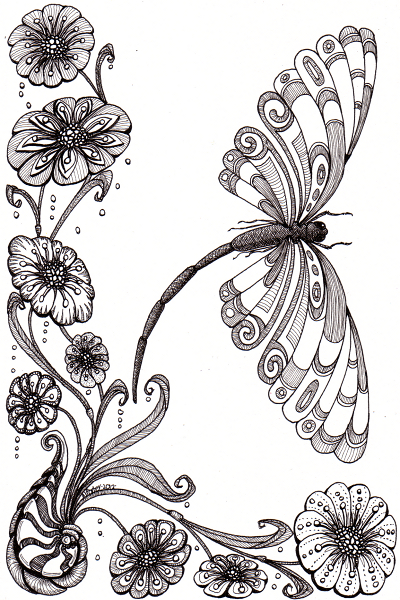
Dragonfly Away

Dragonfly Away © Angela Porter 2012

Approx. 14cm x 21cm.  Rotring Rapidograph pens with black ink on white cartridge paper.

Dragonfly and Bee

Dragonfly.

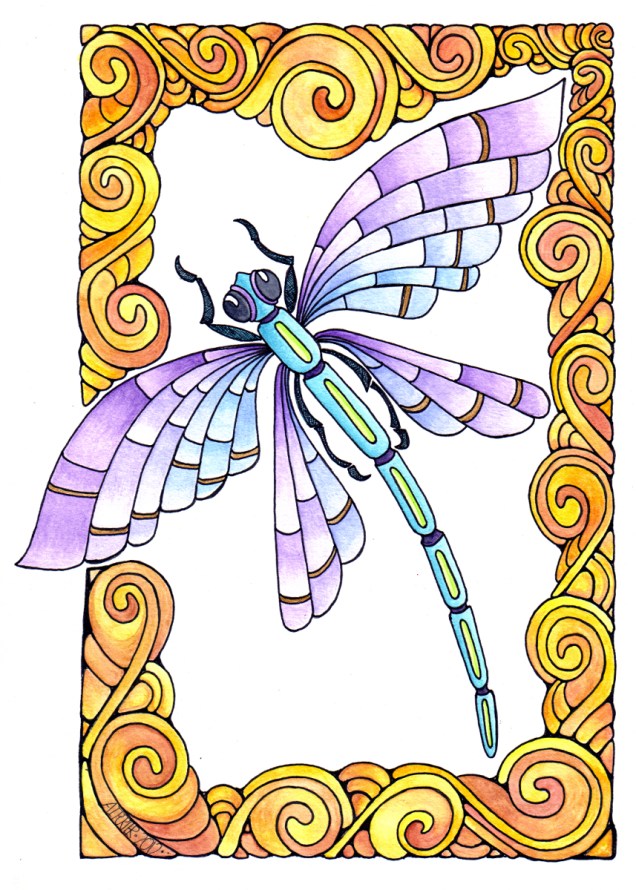
Dragonfly Spirals © Angela Porter 2012

6.25″ x 9″ (16.5cm x 23cm).

Drawing pen and watercolours.

Bee

Bee © Angela Porter 2012

6″ x 6″ (15cm x 15cm)

Sakura Glaze pen with watercolours.