
This is today’s mandala. I have spent arty time today designing the card for a friends wedding; it’s still a work in progress, but I’ll get there.
Autodesk Sketchbook Pro on a Microsoft Surface Book with a Microsoft Surface Pen
This is today’s mandala. I have spent arty time today designing the card for a friends wedding; it’s still a work in progress, but I’ll get there.
Autodesk Sketchbook Pro on a Microsoft Surface Book with a Microsoft Surface Pen
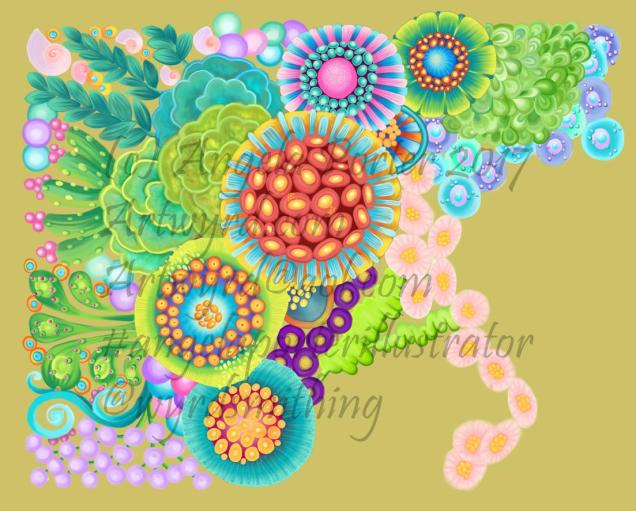
I’ve spent quite a bit of time on this over the past couple of days, and it’s coming along for sure.
The background colour isn’t the final one; I’ve yet to work out what colour/s would work out well, but just testing out a sandy kind of colour.
Autodesk Sketchbook Pro
Microsoft Surface Book
Microsoft Surface Pen
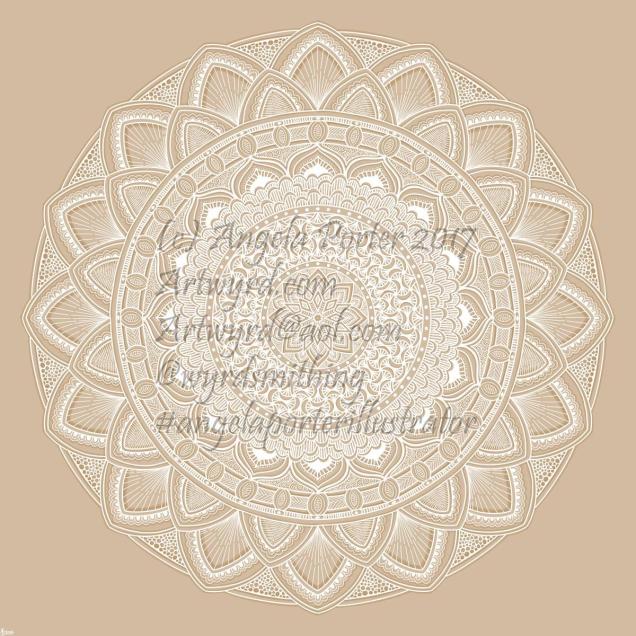
I thought I’d try white on a kraft paper coloured background. I quite like it.
Autodesk Sketchbook Pro on my Microsoft Surface Book
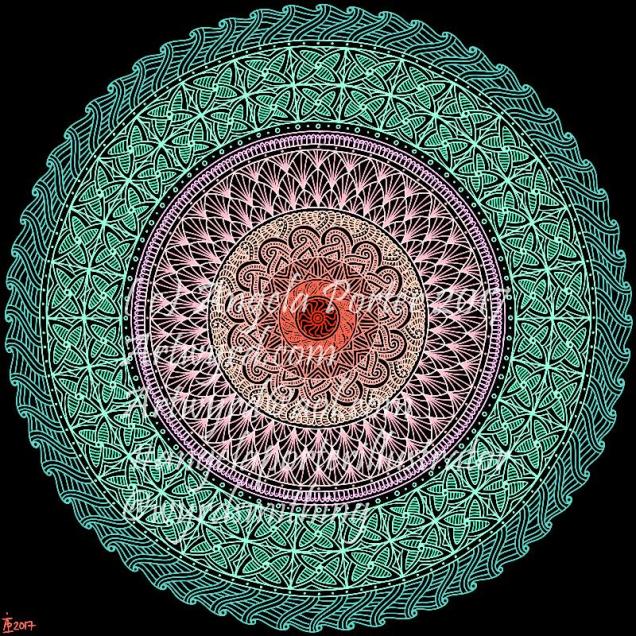
Drawn on my Microsoft Surface Book using Autodesk Sketchbook Pro and a Surface Pen.


This morning’s warm up art – a pair of pretty floral mandalas!
Autodesk Sketchbook Pro and Microsoft Surface Book with Surface Pen.
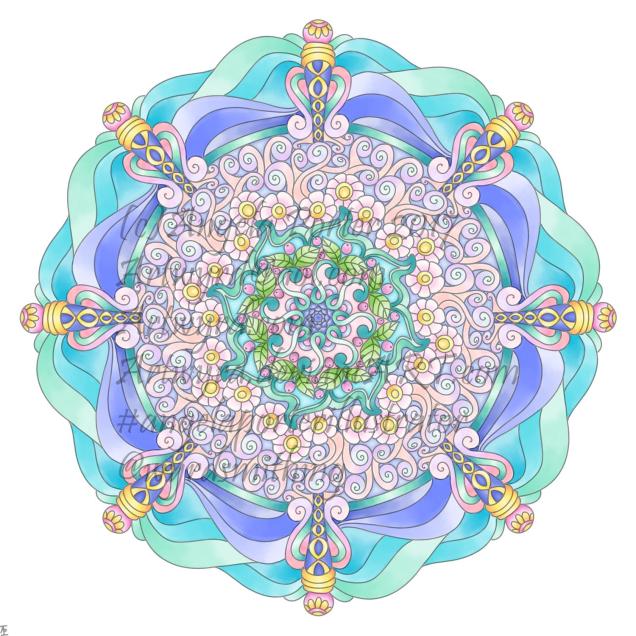
Today, I’ve been artfully busy with drawings for a new book for Dover Publications Inc., but have taken time out this evening to draw a simple mandala, and to colour it in. Oddly, I’ve chosen lots of pastels!
Mandala created using Autodesk Sketchbook Pro and my Microsoft Surface Book.
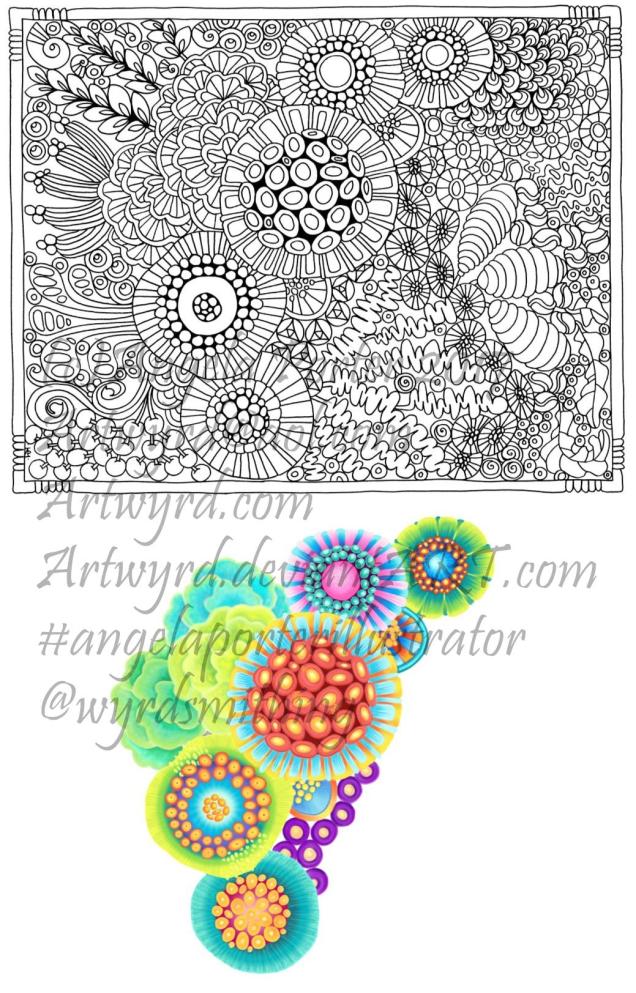
At the end of this month, a new colouring book by myself is due out. It’s called ‘By The Sea’ and is one in the Escapes series of books from Dover Publications Inc..
Above, is one of the templates from the book, along with my work in progress based on it.
I’m using Autodesk Sketchbook Pro on my Microsoft Surface Book to do the colouring/drawing. It’s taking me a long time to do; if I’d used my Chameleon pens, it would’ve been all done a couple of days ago! However, it’s all a process of learning and exploring, working with different brushes and so on. Working in layers is a revelation to me, and I love the glowing colours I can get.
Working ‘outside the lines’, or even totally ignoring the lines’ is something very new for me to do, and I’m very uncertain about the results I’m getting.
I know from past experience with different traditional media such as oil or acrylic paints, I really don’t get the hang of them. I also don’t like the smell or texture of them. Watercolours are fine as long as I don’t try to get fancy with them and just colour areas in then work on top with pens and pencils…
Digital art is opening up my horizons…and shaking me out of those old, comfortable ways.
I make lots of ‘mistakes’ in colour choice. I make lots of ‘mistakes’ in using the different brushes and textures and blending. I end up unhappy with what I’ve done for example, I’ve tried four or five times to add the wiggly seaweed strands to the bottom right of my coloured area, and I’ve been unhappy with the five times I’ve done that.
What I do know is, that I’m not going to screw my work up and chuck it. The beauty of being able to work in layers means it’s easy to remove what you’re not happy with and re-do it.
The other side of this coin is that it’s really difficult for me to know when to stop fussing and fiddling with things! I sometimes end up erasing work I’ve done as I’ve gone too far and can’t undo it, and the only way to go is to start that section over again.
This is all fascinating for me, as well as frustrating, and can lead to me being hard on myself.
Backing off from it isn’t an option. Where I get very frustrated with traditional media when I try to add colour in a way I’d like it to be there, a lot of that is taken away from me as I use digital methods.
I have a lot to learn, a lot to explore, but the more I do, the more I’m determined to acquire myself a Microsoft Surface Studio.
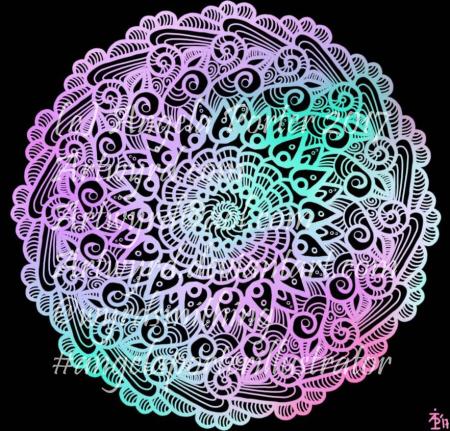
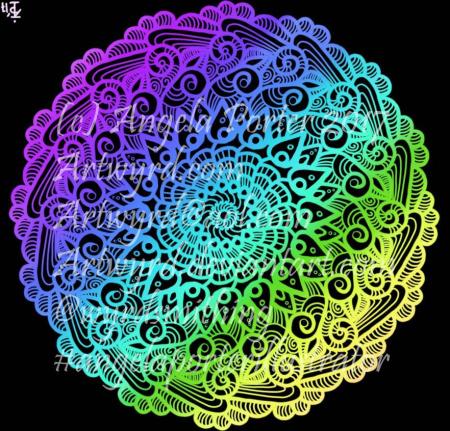
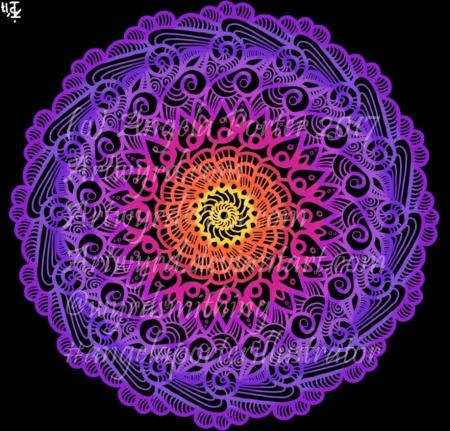
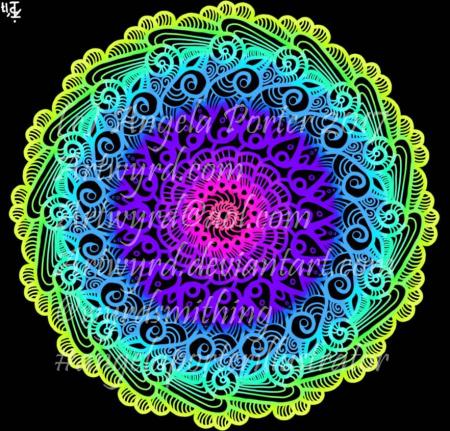
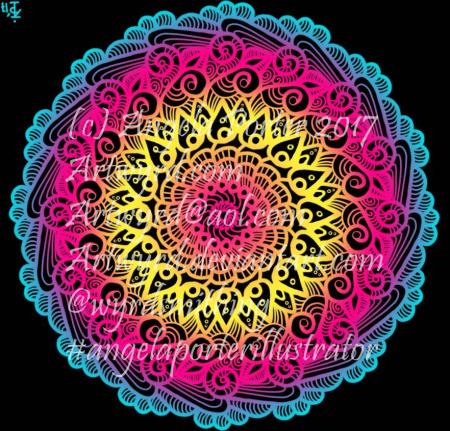
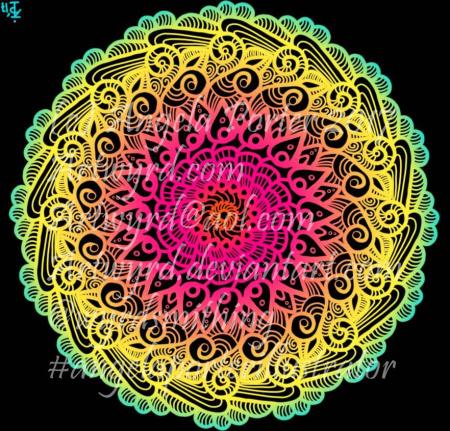
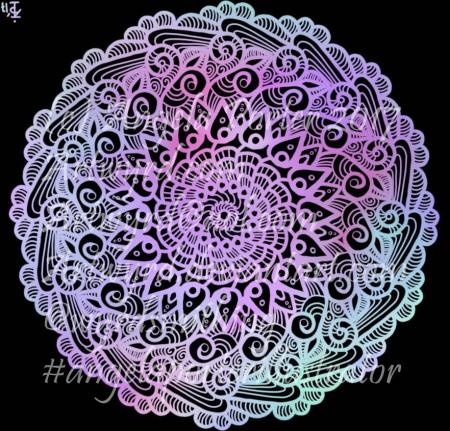
I’ve just spent an hour or so playing with a mandala design and colour, and these seven mandalas are the result.
Over the past few days I’ve been working on a new book for Dover Publications. One of the templates I designed took me 3 full days of work to colour digitally. I had to get my head around layers and experimented with texture and the like. The result I rather like…and no doubt I’ll show in the fullness of time.

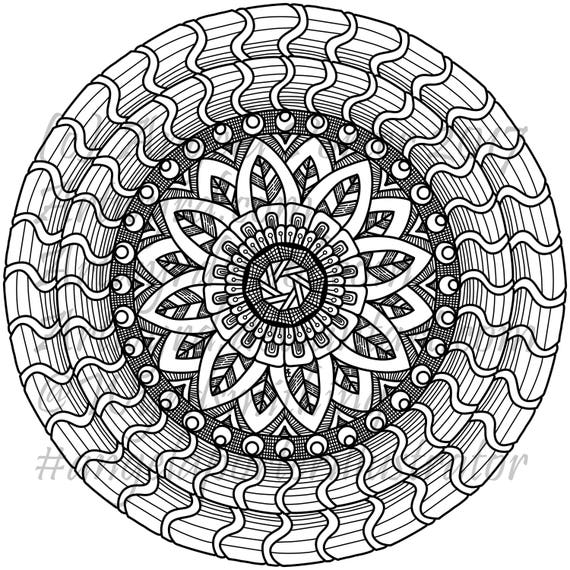
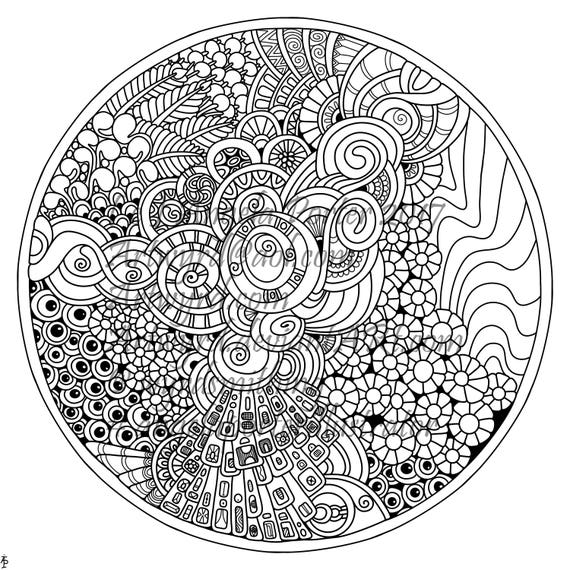
In the last day, I’ve uploaded three more colouring sheets to my Etsy shop – Artwyrd.
For each, there’s either a fully coloured, or partly coloured, version of the line art to see. Yes, I’ve been using them to practice colouring in digitally.
I’ve also started work today on a new book for Dover, the theme for it being eerie.

Over quite a few hours I’ve used this design to explore digital colour a bit more. Of course, it’s one of my own designs.
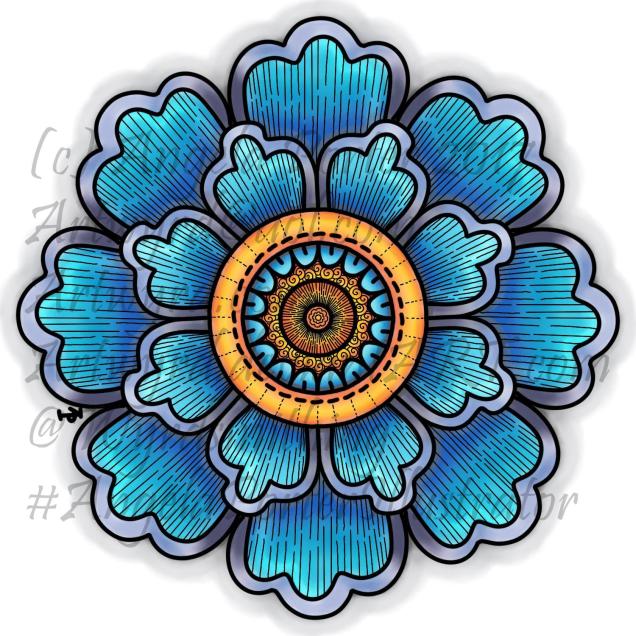
This is the first coloured version of the template. I’ve left the black lines in and added some more line patterns for interest. To colour the flower, I used a couple of pencil ‘brushes’ in Autodesk Sketchbook Pro along with two blender ‘brushes’. The colours come from the Copic colour palette.
I’m quite happy with this; it’s very much like what I’d do with traditional media. However, the digital environment means it’s far easier to correct mistakes.
As I’ve said before, you may think that digital colouring/art is faster and easier than traditional media; I have to tell you it’s not! It took me 2 hours or so to colour this simple flower – and that was just colouring one-eighth of the design and letting the symmetry tool copy it around the flower! With traditional media it would have taken me much less than 1 hour to achieve a similar effect.
I don’t think that the extra time is due to me not being familiar with the ‘brushes’ I’m using, but more to do with the way that you can use layers as well as intensifying the contrast after each blending session. It is quicker to lay colour down – it doesn’t have to be neat and smooth as the blending tools can help to smooth out the unevenness.

Now, this one really is something quite different from me. NO black lines. Not one. Just colour.
It took me a lot longer to do this one – 3 to 4 hours in total I think, and it’s only a small and simple design! Part of that time is because this is something very different for me – no black lines…
I also made good use of layers to keep the colours separate so they didn’t blend; one layer for blues/purples and another for the yellows/oranges. A third was added for the background.
Getting my head around the concept of working in layers after a long time only ever working on one sheet of paper, is a really challenge, but as I work in this way it becomes more familiar to me.
I’m also a bit ‘stubborn’ in terms of exploring and discovering what works and how to do things my own way rather than reading/watching tutorials.
Like any skill, it takes time to develop some level of competence with it, and a lot longer to achieve a mastery. The more I do with digital art, especially in Autodesk Sketchbook Pro, the more I like working with it. I like Sketchbook, lots. It may not be as complex as Photoshop or Illustrator, but it does what I want it to do without struggling with a complicated interface. It allows me to draw/create a lot like I would with paper and pen, and then to explore more media than I’d ever use with traditional art media, and media that don’t even exist outside of the digital environment.
The more I work with it, the more I know I will need a Microsoft Surface Studio sooner rather than later; as much as I love my Surface Book, I do find it difficult to understand how things will look 1:1.
I’m in no great rush though, my Surface Book works just fine, and if the worst comes to the worst, I can sketch my ideas out and scan them in and work from that, using layers of course!


 Art is the Adventure